Db2
Connect Foundry to Db2 to read and sync data between Db2 databases and Foundry.
Supported capabilities
| Capability | Status |
|---|---|
| Exploration | 🟢 Generally available |
| Batch syncs | 🟢 Generally available |
| Incremental | 🟢 Generally available |
| Change data capture syncs | 🟢 Generally available |
| Table Exports | 🟢 Generally available |
Setup
- Open the Data Connection application and select + New Source in the upper right corner of the screen.
- Select Db2 from the available connector types.
- Follow the additional configuration prompts to continue the setup of your connector using the information in the sections below.
Learn more about setting up a connector in Foundry.
Configuration options
| Parameter | Required? | Description |
|---|---|---|
URL |
Yes | The JDBC URL that is used by the driver. Comes pre-populated with a template that may need to be modified to ensure correct behavior. Refer to the source system's documentation for the JDBC URL format, and review the Java documentation ↗ for additional information. |
JDBC properties |
Yes | Lists out all required and recommended properties that the driver needs. Hovering over a required or recommended property will allow you to navigate to the official documentation. You can add any additional properties by hitting the + Add property button. |
JDBC properties
You can add properties ↗ to your JDBC connection to configure behavior. Certain properties are mandatory for the Db2 driver. These mandatory properties are populated by default and must be set before you can save your source. You can also view recommended properties that you can add by selecting +Add property and viewing the Recommended section.
Hover over the name of a Required or Recommended property to visit the official documentation page for the Db2 driver.
Configure Db2 syncs
SQL queries
A single SQL query can be executed per sync. This query should produce a table of data as an output and should not perform operations like invoking stored procedures. The results of the query will be saved to the output dataset in Foundry.
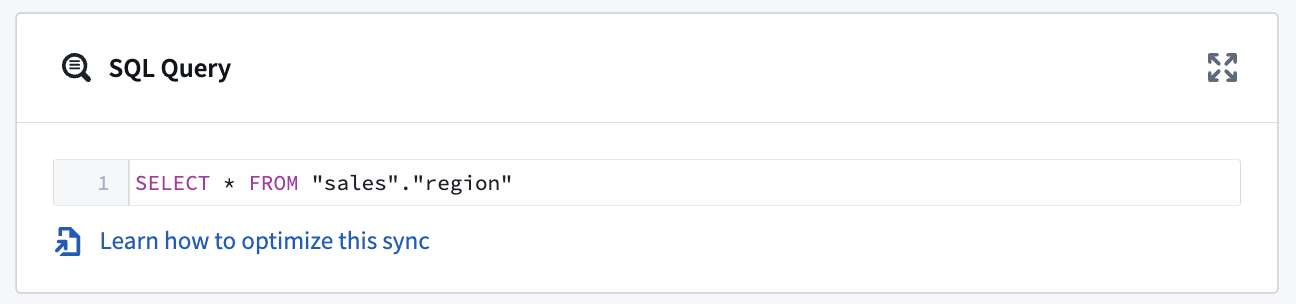
Table Exports
The Db2 source type supports table exports. For Db2 databases running on z/OS or LUW (Linux, Unix, Windows), no additional configuration should be required. However, for Db2 databases running on the IBM iSeries or AS/400, journaling ↗ must be enabled for any target tables.
Change data capture
The Db2 connector supports change data capture (CDC) syncs. Db2 CDC syncs are implemented using the Debezium Db2 connector ↗. To enable CDC on your Db2 instance, follow the instructions outlined in the Debezium documentation ↗.
Once change data capture is enabled for the table(s) you wish to sync to Foundry, you can navigate to the Overview page and select + Create CDC sync to start creating a new change data capture sync.
:::callout{theme="neutral"} The exploration runtime must be working in order to create a change data capture sync. If the runtime is still initializing, you may need to wait a few seconds and refresh the page to proceed with creating a change data capture sync. :::
中文翻译
Db2
将 Foundry 连接到 Db2,以在 Db2 数据库和 Foundry 之间读取和同步数据。
支持的功能
| 功能 | 状态 |
|---|---|
| 探索(Exploration) | 🟢 正式可用 |
| 批量同步(Batch syncs) | 🟢 正式可用 |
| 增量同步(Incremental) | 🟢 正式可用 |
| 变更数据捕获同步(Change data capture syncs) | 🟢 正式可用 |
| 表导出(Table Exports) | 🟢 正式可用 |
设置
- 打开数据连接(Data Connection)应用程序,并在屏幕右上角选择 + 新建源。
- 从可用的连接器类型中选择 Db2。
- 按照额外的配置提示,使用以下部分中的信息继续设置您的连接器。
了解更多关于在 Foundry 中设置连接器的信息。
配置选项
| 参数 | 是否必需 | 描述 |
|---|---|---|
URL |
是 | 驱动程序使用的 JDBC URL。预填充了一个模板,可能需要修改以确保正确行为。请参考源系统的文档了解 JDBC URL 格式,并查阅 Java 文档 ↗ 获取更多信息。 |
JDBC 属性(JDBC properties) |
是 | 列出驱动程序所需的所有必需和推荐属性。将鼠标悬停在必需或推荐属性上,可以导航到官方文档。您可以通过点击 + 添加属性 按钮添加任何其他属性。 |
JDBC 属性
您可以向 JDBC 连接添加属性 ↗ 以配置行为。某些属性对于 Db2 驱动程序是必需的。这些必需属性默认已填充,必须在保存源之前进行设置。您还可以通过选择 +添加属性 并查看 推荐 部分来添加推荐的属性。
将鼠标悬停在 必需 或 推荐 属性的名称上,可以访问 Db2 驱动程序的官方文档页面。
配置 Db2 同步
SQL 查询
每次同步可以执行一个 SQL 查询。该查询应生成一个数据表作为输出,并且不应执行调用存储过程等操作。查询结果将保存到 Foundry 中的输出数据集。
表导出(Table Exports)
Db2 源类型支持表导出。对于运行在 z/OS 或 LUW(Linux、Unix、Windows)上的 Db2 数据库,无需额外配置。但是,对于运行在 IBM iSeries 或 AS/400 上的 Db2 数据库,必须为目标表启用日志记录(Journaling) ↗。
变更数据捕获(Change data capture)
Db2 连接器支持变更数据捕获(CDC)同步。Db2 CDC 同步使用 Debezium Db2 连接器 ↗ 实现。要在您的 Db2 实例上启用 CDC,请按照 Debezium 文档 ↗ 中概述的说明进行操作。
一旦为您要同步到 Foundry 的表启用了变更数据捕获,您可以导航到 概览(Overview) 页面并选择 + 创建 CDC 同步 开始创建新的变更数据捕获同步。
:::callout{theme="neutral"} 必须确保探索运行时(Exploration runtime)正常工作才能创建变更数据捕获同步。如果运行时仍在初始化,您可能需要等待几秒钟并刷新页面,然后才能继续创建变更数据捕获同步。 :::