Create a schedule(创建调度计划)
To create a build schedule for your pipeline datasets in Pipeline Builder, first select the dataset node in your pipeline workflow. Right-click the node and select Open to open the full dataset preview window.

In the dataset preview pane, click the Schedules tab and select Add build schedule.
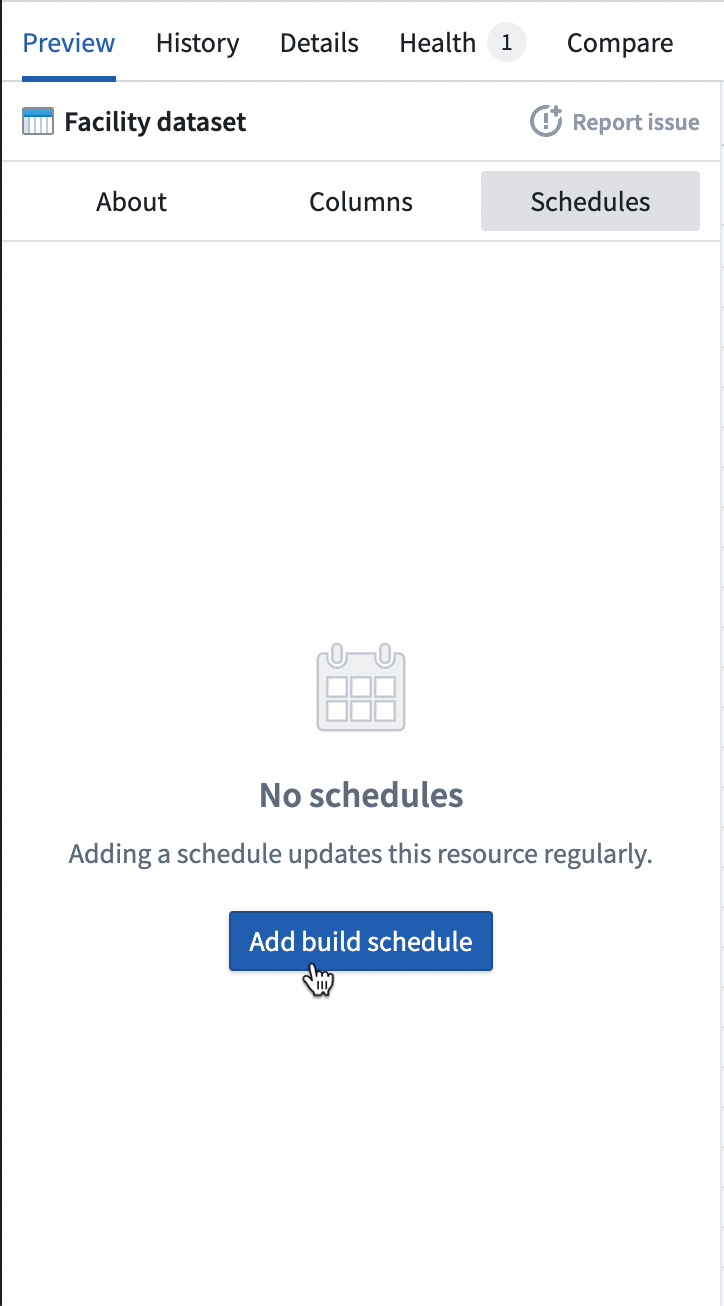
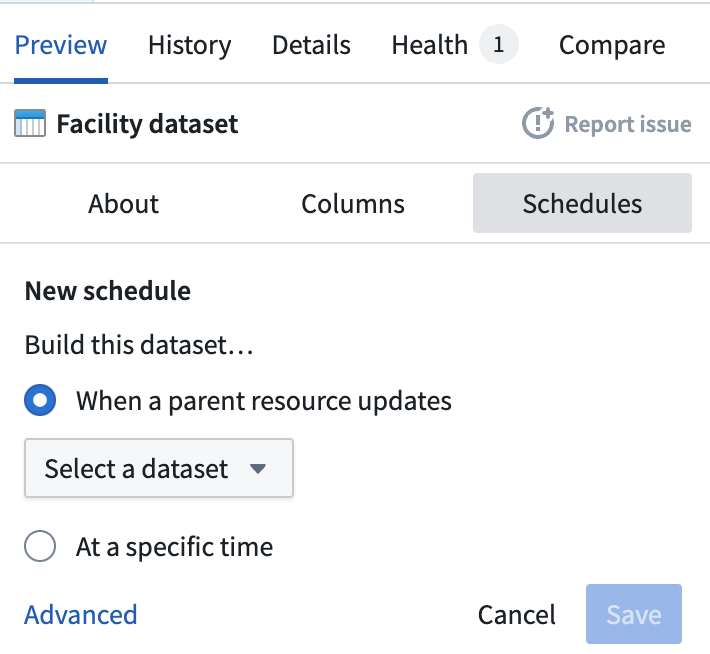
In the New schedule pane, choose whether to build the dataset when a parent resource updates or at a specific time.
- When a parent resource updates: The build will occur whenever a selected parent dataset updates. Search for a dataset, or choose from the available parent datasets in the dropdown.
- At a specific time: Schedule a build to occur at a defined cadence. Choose a time value, occurrence, and time details. For example, you can schedule a build
By hour,Every 5 hours,At 15 minutes past the hour, orBy month,Every 6 months,On Second Monday,At 1:30 AM, in theAmerica/Los_Angelestimezone.
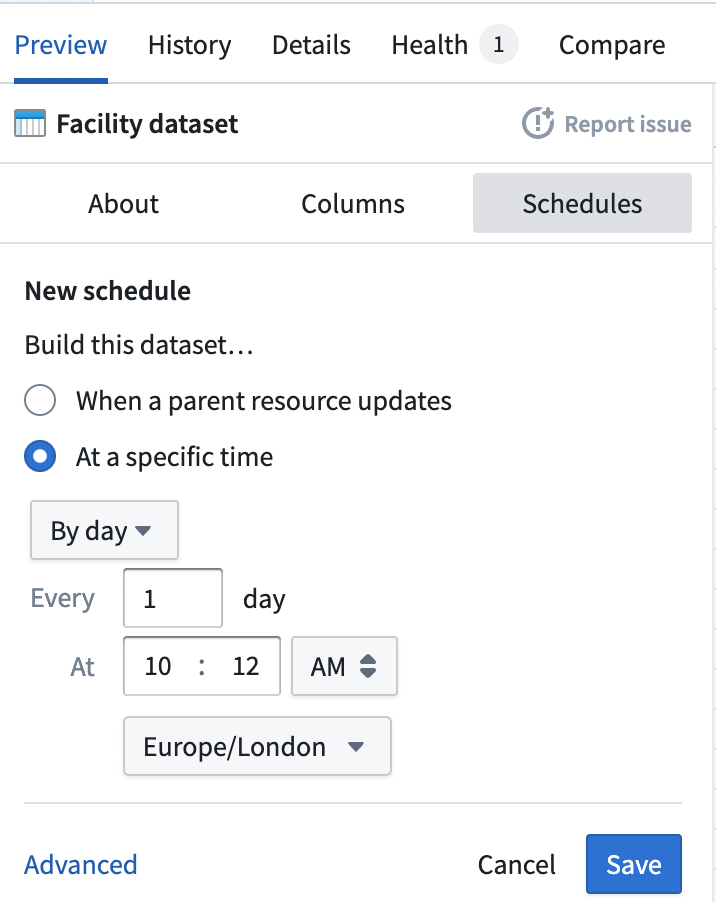
To add additional scheduling details, including build scope parameters, build failure actions, and notifications, click Advanced. This will take you to the Data Lineage app, where you can configure advanced build schedule features for the selected dataset.
Learn more about scheduling in Data Lineage.
中文翻译
创建调度计划
要为 Pipeline Builder 中的管道数据集创建构建调度计划,首先在管道工作流中选择数据集节点。右键单击该节点并选择 打开,以打开完整的数据集预览窗口。
在数据集预览窗格中,单击 调度计划 选项卡,然后选择 添加构建调度计划。
在 新建调度计划 窗格中,选择是在父资源更新时构建数据集,还是在特定时间构建数据集。
- 当父资源更新时: 当所选父数据集更新时,将触发构建。可搜索数据集,或从下拉菜单中的可用父数据集中选择。
- 在特定时间: 按定义的频率安排构建。选择时间值、发生频率和时间详情。例如,您可以按
每小时、每 5 小时、在整点过 15 分钟或按月、每 6 个月、在第二个星期一、在凌晨 1:30(America/Los_Angeles时区)来安排构建。
要添加其他调度详情,包括构建范围参数、构建失败操作和通知,请单击 高级。这将跳转到 Data Lineage 应用,您可以在其中为所选数据集配置高级构建调度功能。
了解更多关于 Data Lineage 中的调度计划。