Syncing data to Iceberg tables from Data Connection(将数据从 Data Connection 同步至 Iceberg 表)
:::callout{theme="neutral" title="Beta"} Syncs into Iceberg tables are in the beta phase of development. :::
You can use Data Connection to sync data from supported external sources directly into Foundry Iceberg tables.
Supported sources
Currently supported source types are:
:::callout{theme="neutral"} Iceberg syncs are only supported on the Foundry worker runtime. When ingesting data from a private network, configuring agent proxy egress policies is recommended. :::
Write modes
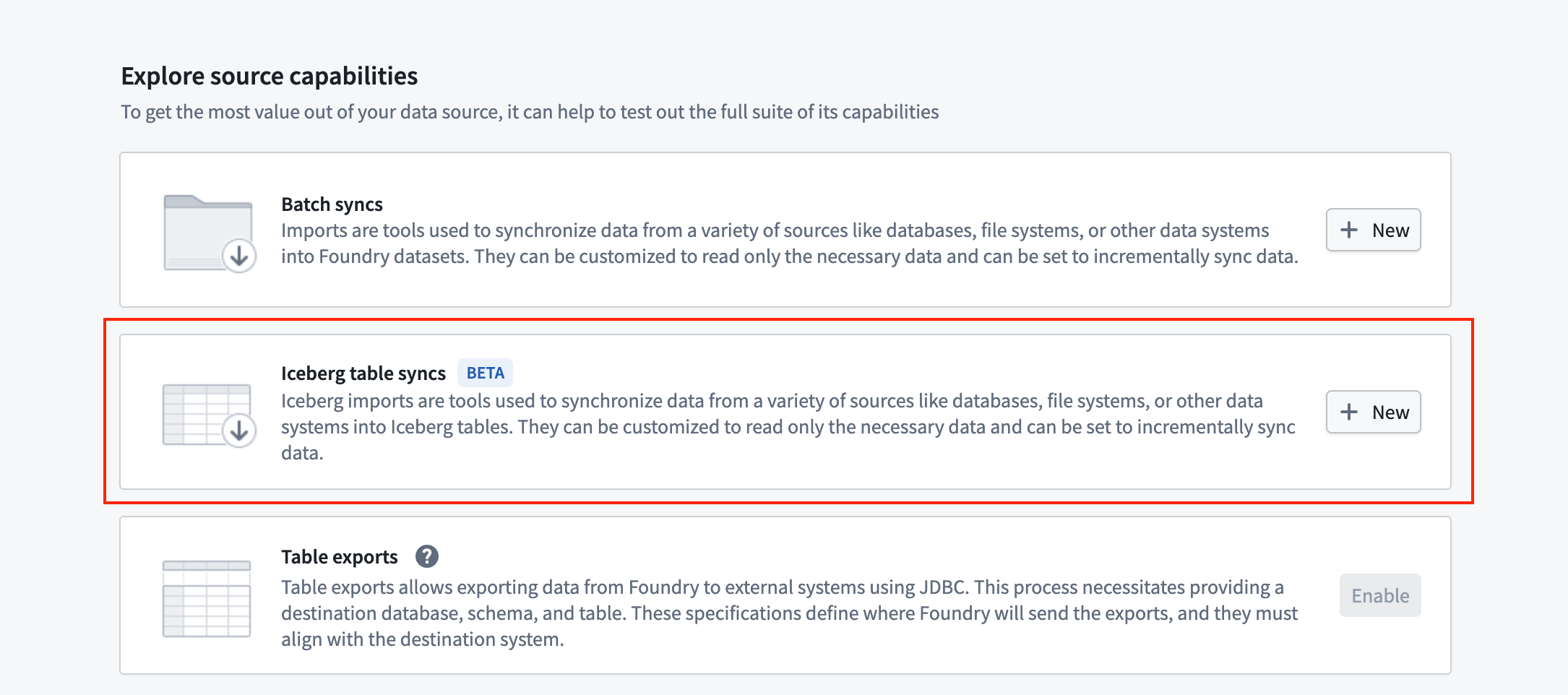
Foundry offers both non-incremental and incremental batch syncs into Iceberg for these source types. You can create new Iceberg syncs from the source overview page.
When configuring your sync, you can choose between the following write mode options:
- "Overwrite" write mode: Overwrites all rows in the Iceberg table with new data, producing an
overwriteIceberg snapshot. - "Append" write mode: Appends new rows to the Iceberg table, while retaining all existing data, producing an
appendIceberg snapshot. - "Update" write mode: Updates existing rows in the Iceberg table which match on a primary key identifier column, inserting new rows for previously unseen identifiers. This produces an
overwriteIceberg snapshot, overwriting only the affected data files.
More customized incremental ingests are also supported using wildcard-based custom SQL statement. See the incremental syncs documentation for more detail.
:::callout{theme="warning"} Schema evolution on Iceberg syncs is not supported. This means that re-running a sync after modifying the schema of the source table will fail. Consider creating a new sync on the updated table schema in these circumstances. :::
中文翻译
将数据从 Data Connection 同步至 Iceberg 表
:::callout{theme="neutral" title="测试版(Beta)"} 同步至 Iceberg 表的功能目前处于测试版开发阶段。 :::
您可以使用 Data Connection 将受支持的外部数据源中的数据直接同步至 Foundry Iceberg 表。
支持的源(Supported sources)
目前支持的源类型包括:
:::callout{theme="neutral"} Iceberg 同步仅在 Foundry 工作节点(Foundry worker)运行时环境中受支持。从私有网络摄取数据时,建议配置代理代理出站策略(agent proxy egress policies)。 :::
写入模式(Write modes)
对于这些源类型,Foundry 提供非增量式和增量式两种批量同步(batch syncs)至 Iceberg 的方式。您可以从源概览页面创建新的 Iceberg 同步。
配置同步时,您可以选择以下写入模式选项:
- "覆盖(Overwrite)"写入模式: 用新数据覆盖 Iceberg 表中的所有行,生成一个
overwriteIceberg 快照。 - "追加(Append)"写入模式: 将新行追加到 Iceberg 表中,同时保留所有现有数据,生成一个
appendIceberg 快照。 - "更新(Update)"写入模式: 更新 Iceberg 表中与主键标识符列匹配的现有行,并为之前未出现的标识符插入新行。此模式会生成一个
overwriteIceberg 快照,仅覆盖受影响的数据文件。
此外,还支持使用基于通配符的自定义 SQL 语句进行更定制化的增量摄取。更多详情请参阅增量同步文档。
:::callout{theme="warning"} Iceberg 同步不支持模式演进(Schema evolution)。这意味着在修改源表模式后重新运行同步将会失败。在这种情况下,请考虑在更新后的表模式上创建新的同步。 :::