Navigation(导航)
Before working with Artifacts, we recommend familiarizing yourself with the Artifact Repository interface.
There are three tabs at the top of the Artifact Repositories interface:
- Search
- Publish
- Overview
Search
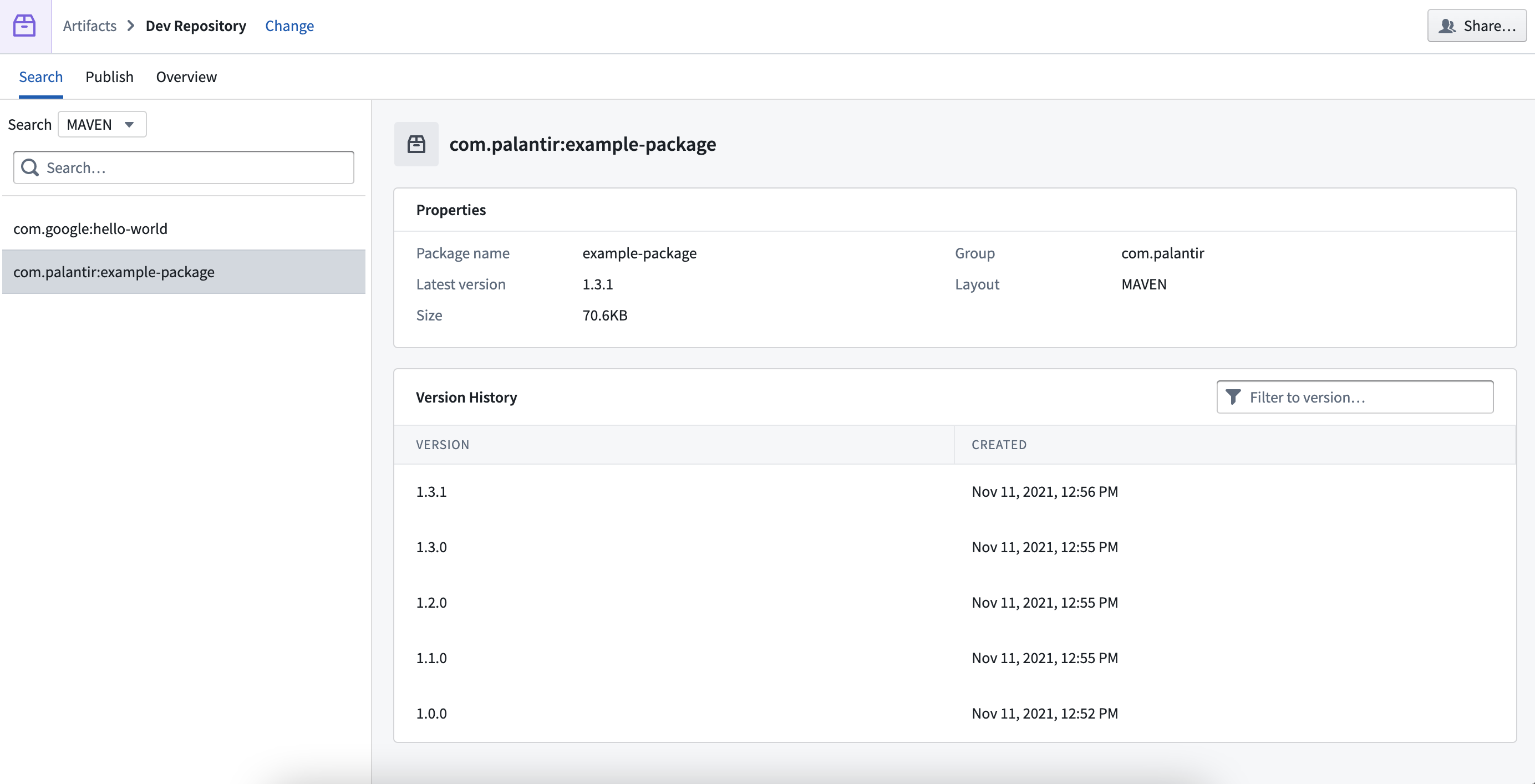
Search for Artifacts in your Artifact repository using the dropdown menu and search bar. Select a search result to view metadata such as version history, size, and creation date.
Publish
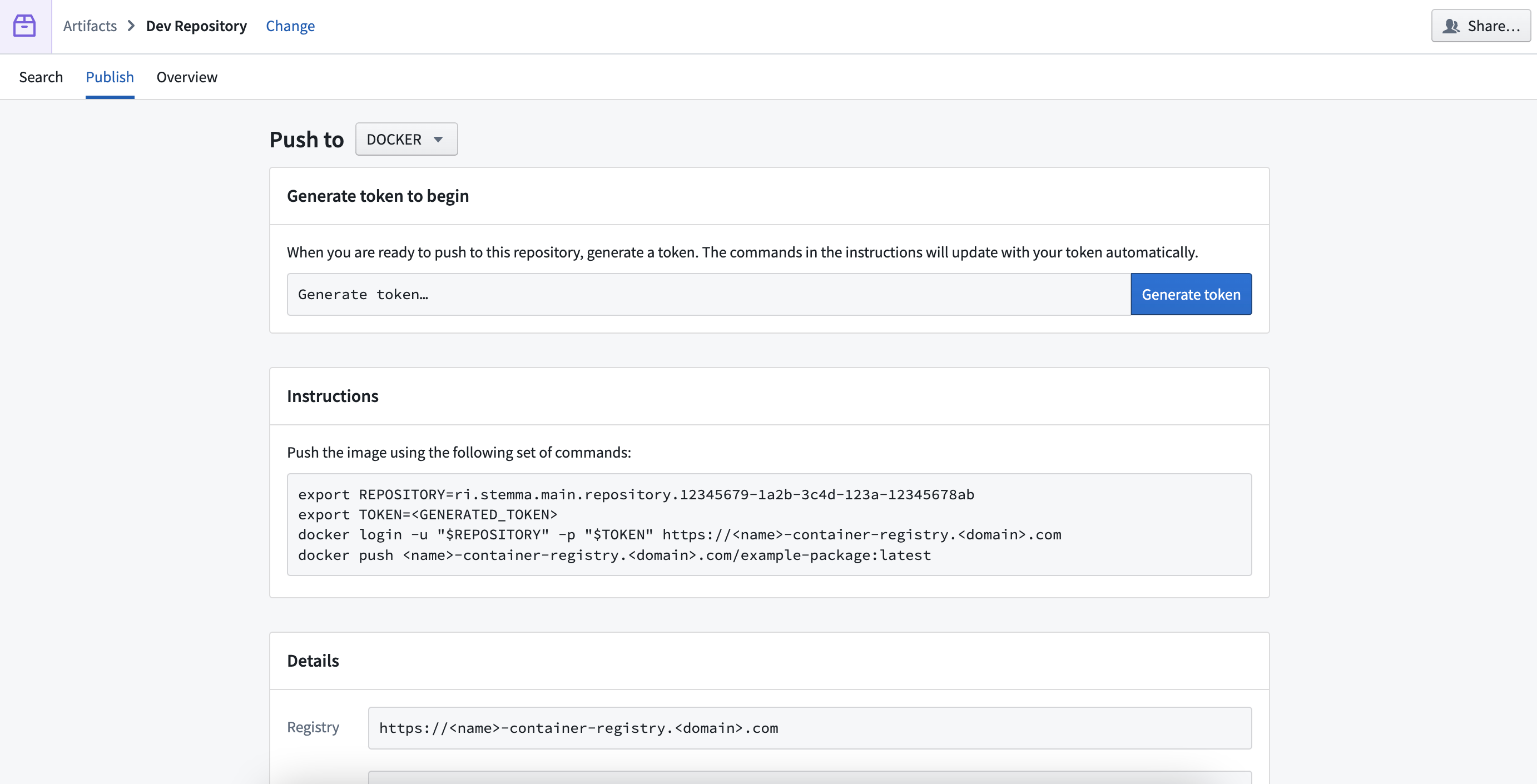
Publish Artifacts to your Artifact repository by generating a token and following step-by-step instructions in the Instructions section of the page.
Overview
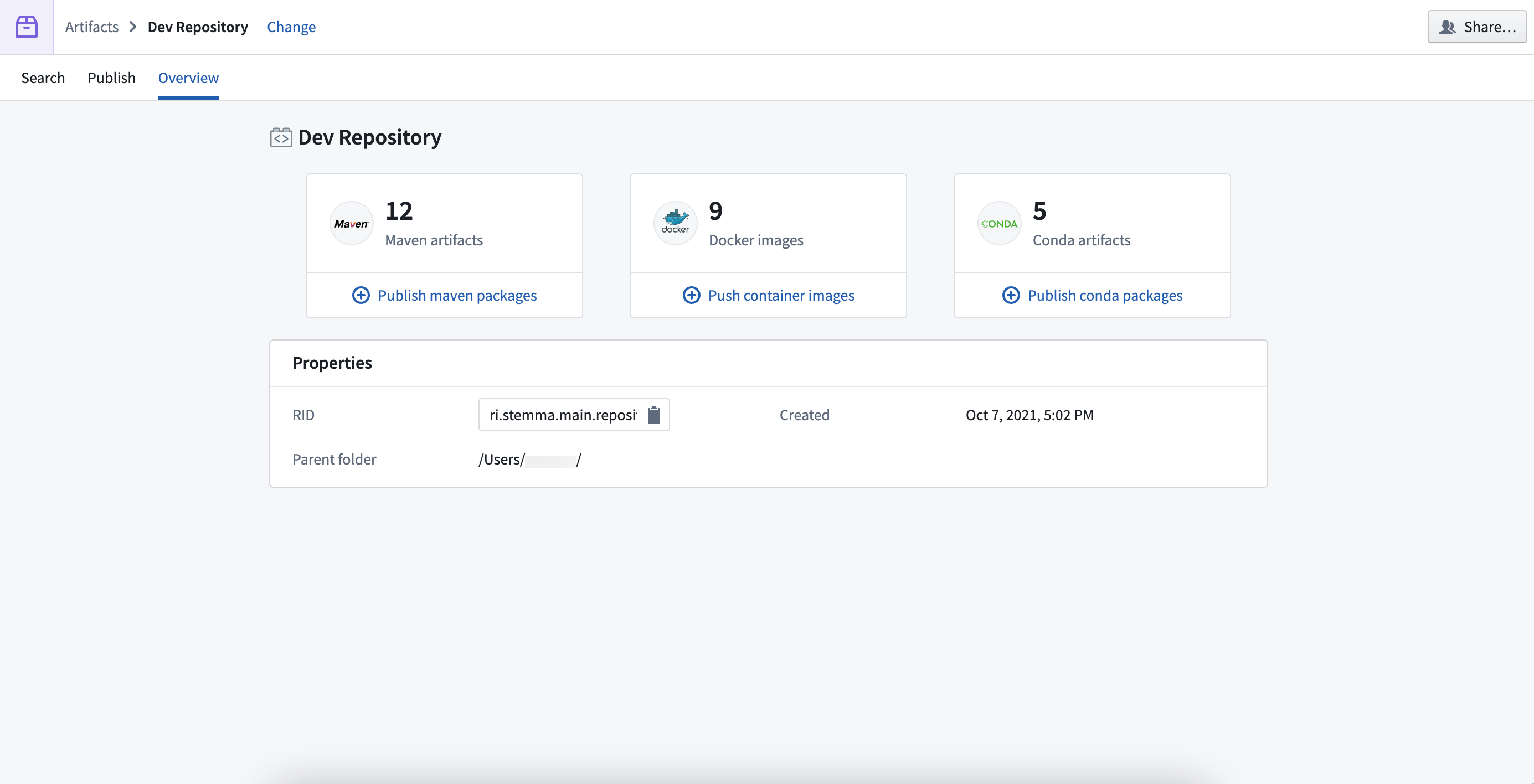
View a summary of all the Artifacts in your Artifact repository, including metadata like its resource ID (RID), creation date, and parent folder in your filesystem.
中文翻译
导航
在使用构件(Artifacts)之前,我们建议您先熟悉构件仓库(Artifact Repository)界面。
构件仓库界面顶部有三个标签页:
- 搜索(Search)
- 发布(Publish)
- 概览(Overview)
搜索(Search)
使用下拉菜单和搜索栏在您的构件仓库中搜索构件。选择搜索结果可查看元数据,例如版本历史、大小和创建日期。
发布(Publish)
通过生成令牌并按照页面说明(Instructions)部分中的分步指导,将构件发布到您的构件仓库。
概览(Overview)
查看构件仓库中所有构件的摘要信息,包括其资源ID(RID)、创建日期以及文件系统中的父文件夹等元数据。