Navigation(导航)
Header search bar
In the middle of the header of the application is the Search bar. You can click into the Search bar or hold down Cmd/Ctrl + K to open the Search bar dialog.

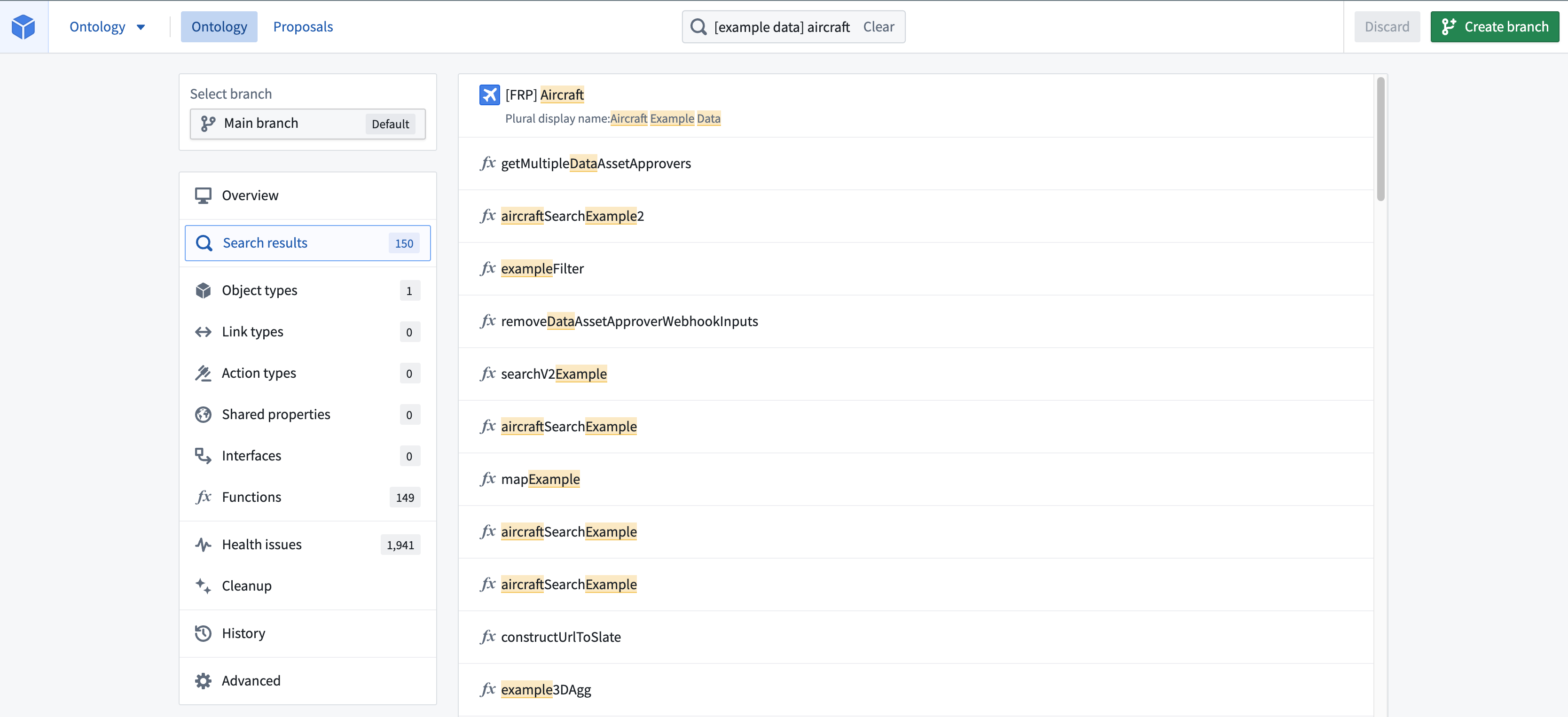
Searching in the Search bar from the home page will update the home page with the list of resources that match the search. You can search for any object type, property, link type, action type, shared properties, interfaces, or functions you are interested in. The search results will highlight which field your search term matched on. You can use the up-arrow and down-arrow keys on your keyboard to move through search results and see previews for the selected results. You can select Open or use the Enter key to open the selected result.
Home page filters
The Object types, Link types, Action Types, Shared Properties, Interfaces, and Functions pages can be selected from the home page sidebar. These pages allow for filtering object types and link types based on their visibility, development status, and indexing issues.
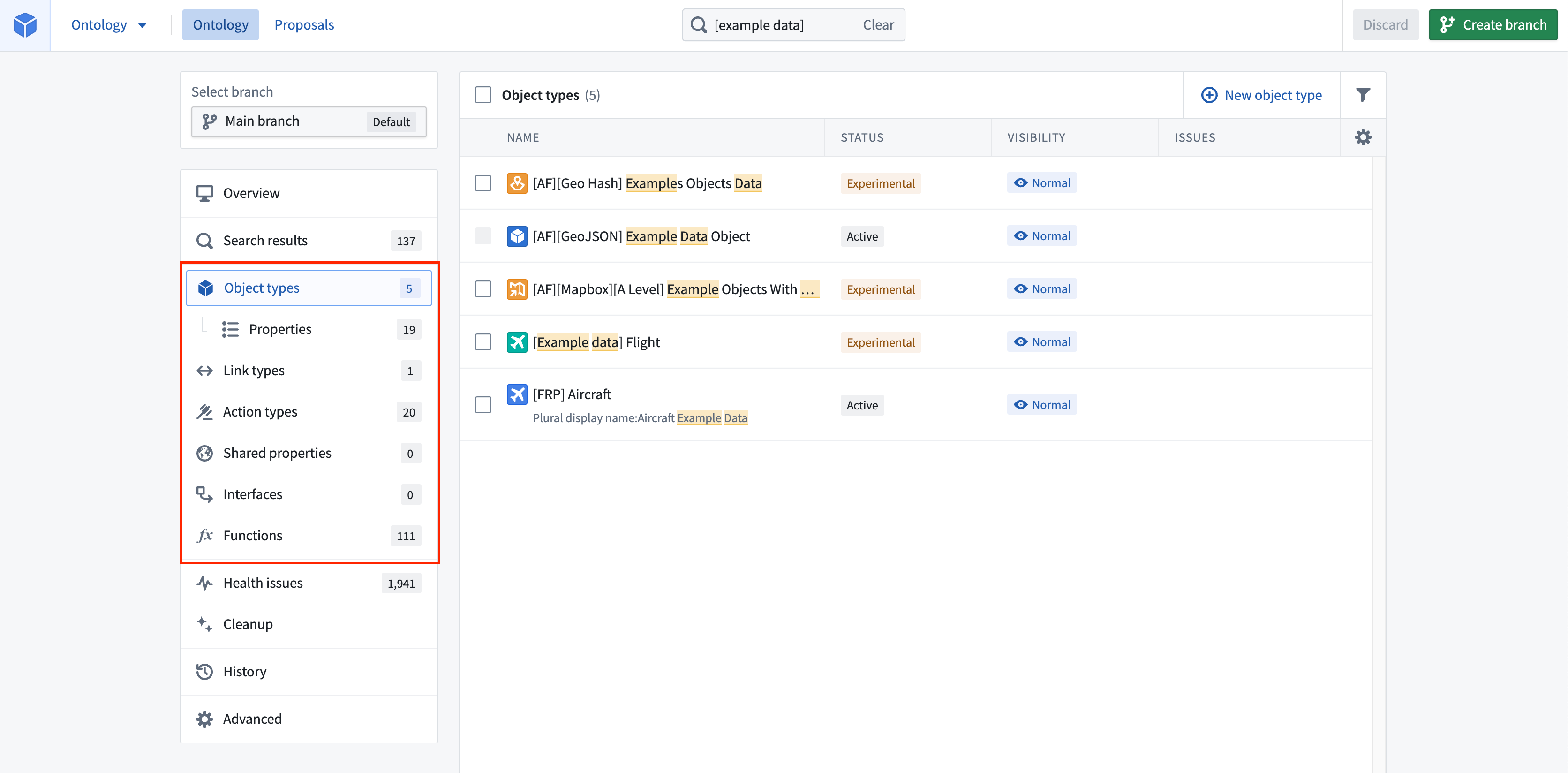
Object types whose backing datasources are unregistered or have failed to reindex into Object Storage V1 (Phonograph) will have red error messages in the issue column of the object type page.
Navigation back from a selection
Once you’ve opened an object type, link type, or action type, you have the option to select Back home from the top left corner of the view’s sidebar.
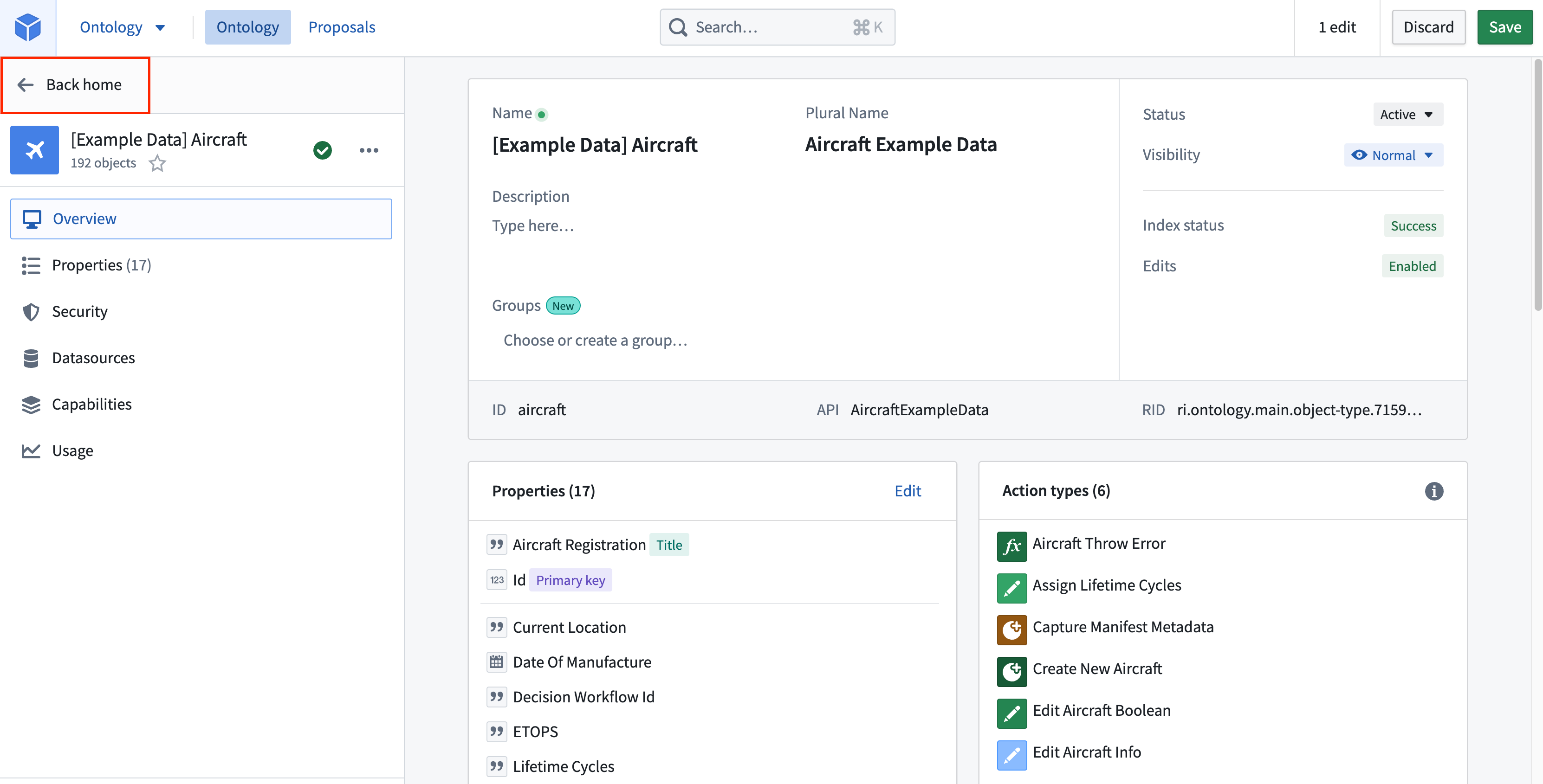
Hovering over the Back home button will also bring up quick links to recently edited object types, link types, and action types, as well as all resources that are related to the one you are currently viewing.

中文翻译
导航
顶部搜索栏
应用程序顶部中间是搜索栏。您可以点击搜索栏,或按住 Cmd/Ctrl + K 打开搜索栏对话框。
在主页的搜索栏中进行搜索,主页将更新为显示与搜索条件匹配的资源列表。您可以搜索任何感兴趣的对象类型(Object Type)、属性(Property)、链接类型(Link Type)、操作类型(Action Type)、共享属性(Shared Properties)、接口(Interface)或函数(Function)。搜索结果会高亮显示您的搜索词所匹配的字段。您可以使用键盘上的上箭头和下箭头键浏览搜索结果,并查看所选结果的预览。您可以选择打开或按 Enter 键来打开所选结果。
主页筛选器
您可以从主页侧边栏选择对象类型、链接类型、操作类型、共享属性、接口和函数页面。这些页面允许根据可见性、开发状态和索引问题对对象类型和链接类型进行筛选。
如果对象类型的底层数据源未注册,或未能重新索引到 Object Storage V1 (Phonograph) 中,则在对象类型页面的问题列中会显示红色错误消息。
从当前选择项返回
打开对象类型、链接类型或操作类型后,您可以选择视图侧边栏左上角的返回主页。
将鼠标悬停在返回主页按钮上,还会显示指向最近编辑的对象类型、链接类型和操作类型的快速链接,以及与您当前查看的资源相关的所有资源。