Standard Object Views(标准对象视图(Standard Object Views))
When you create and configure an object type in your Ontology, Foundry automatically creates a standard Object View to provide a standardized representation of all its objects, ensuring other users have a holistic understanding of its schema and links. The standard Object View matches the object type's configuration by spotlighting prominent properties in either a dedicated table or in other visual formats if the property's base type is a time series, media reference, or geospatial property. Normal properties are displayed in a regular table, and hidden properties are not visible.
While standard Object Views are available for all object types, you can create configured views to provide a contextualized and curated Object View experience for any object type based on its function in your Ontology. When you create a configured Object View, Foundry makes it available as the default view for a user; however, users can choose to select the standard view to see object data in its standard format.
Prominent property displays
Foundry surfaces prominent properties at the top of the standard Object View to provide immediate context about an object's most important information.
Display behavior
Properties marked as prominent receive enhanced visual treatment based on their type:
- Media reference properties: Rendered with a dedicated media viewer for viewing all supported media types.
- Time series properties: Displayed as interactive charts showing temporal data patterns.
- Geospatial properties: Objects with prominent geohash, geoshape, or geotemporal series reference (GTSR) properties will render on a Map. Time series properties that represent an object's latitude and longitude over time are also displayed on a Map.
- Other property types: All other prominent properties are displayed using a larger, card-style format elevated above a table displaying the remaining standard properties.
Linked objects component
The Linked objects component enables you to traverse across linked objects directly within the standard Object View.
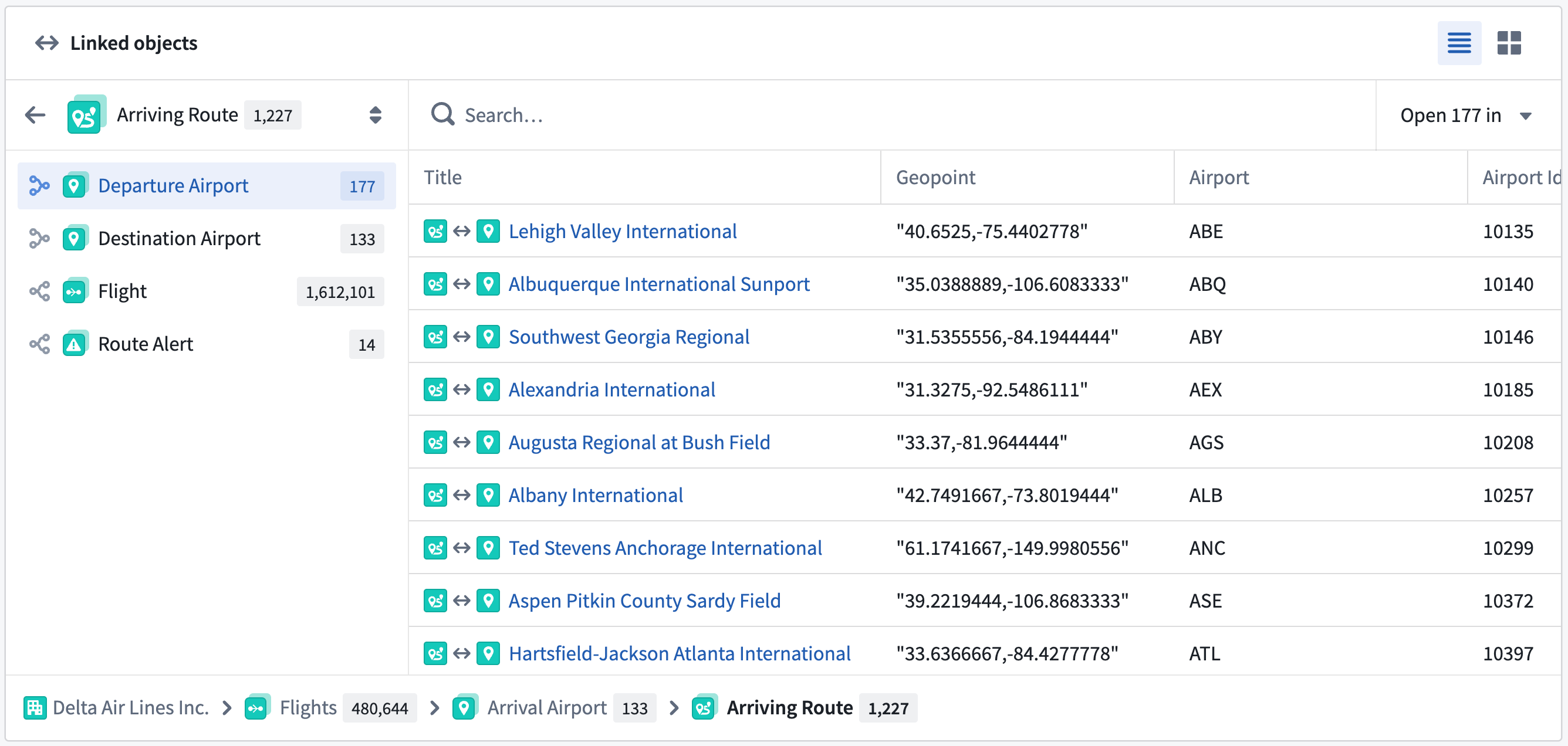
Use the Linked objects component of a standard Object View to:
- View linked objects grouped by link type.
- Preview properties of linked objects inline without leaving the current view.
- Open a subset of linked objects in a new tab for further exploration.
- Preview a selected linked object in the side panel of the standard Object View.
Panel standard Object View display behavior
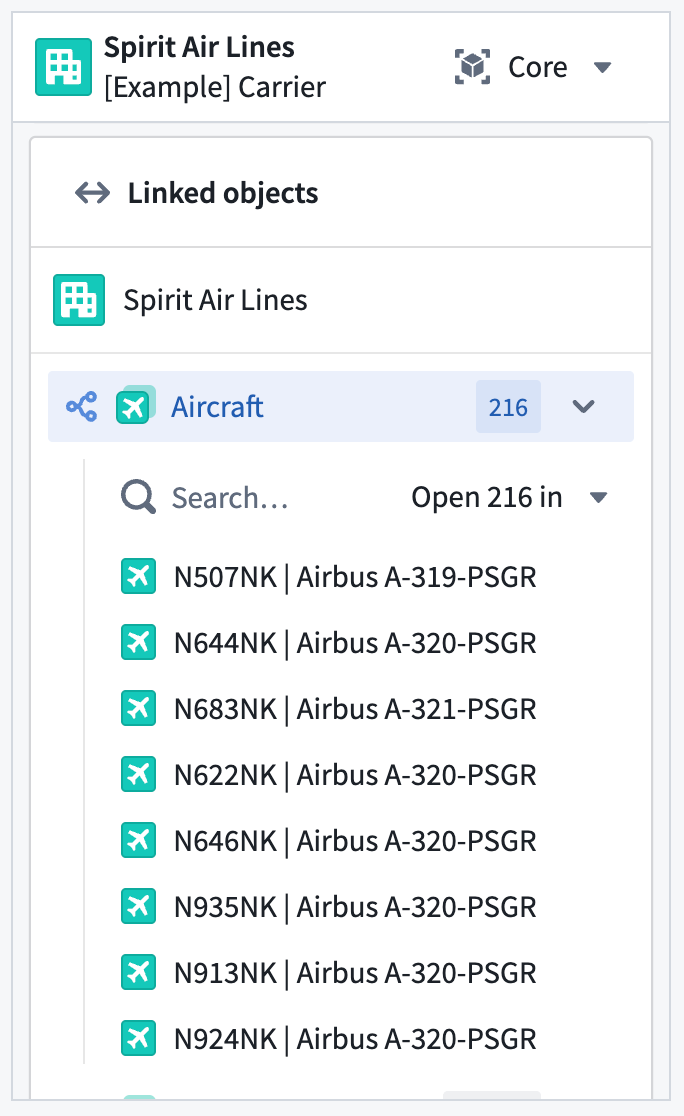
You can also interact with all of a standard Object View's functionality in its panel form factor.
中文翻译
标准对象视图(Standard Object Views)
在您的本体(Ontology)中创建并配置对象类型时,Foundry 会自动生成一个标准对象视图,为该类型的所有对象提供统一展示,确保其他用户能够全面理解其架构与链接关系。标准对象视图会突出显示关键属性(prominent properties),这些属性可能以专用表格或可视化形式呈现(若属性的基础类型为时间序列、媒体引用或地理空间属性)。普通属性以常规表格展示,隐藏属性则不可见。
虽然所有对象类型均具备标准对象视图,但您也可以创建配置视图,根据对象类型在本体中的功能,为其提供情境化且经过精心策划的对象视图体验。创建配置对象视图后,Foundry 会将其设为用户的默认视图;但用户仍可选择标准视图,以标准格式查看对象数据。
关键属性展示
Foundry 在标准对象视图顶部展示关键属性,帮助用户快速了解对象的核心信息。
展示行为
标记为关键的属性会根据其类型获得增强的视觉处理:
- 媒体引用属性: 使用专用媒体查看器渲染,支持所有媒体类型。
- 时间序列属性: 以交互式图表形式展示时间数据模式。
- 地理空间属性: 包含关键地理哈希(geohash)、地理形状(geoshape)或地理时间序列引用(GTSR)属性的对象将在地图(Map)上渲染。能够随时间表示对象经纬度的时间序列属性也会在地图上展示。
- 其他属性类型: 所有其他关键属性将以更大的卡片式格式展示,位于显示其余标准属性的表格上方。
链接对象组件
链接对象(Linked objects) 组件允许您在标准对象视图内直接浏览链接对象。
使用标准对象视图的链接对象组件可以:
- 按链接类型分组查看链接对象。
- 在不离开当前视图的情况下内联预览链接对象的属性。
- 在新标签页中打开部分链接对象进行深入探索。
- 在标准对象视图的侧面板中预览选定的链接对象。
面板标准对象视图展示行为
您还可以在面板形态下使用标准对象视图的全部功能。