Use full Object Views(使用完整对象视图(Full Object Views))
Full Object Views provide comprehensive displays of an object's data. They are the primary view for the object in-platform and can be accessed within platform applications or embedded into custom Workshop applications.
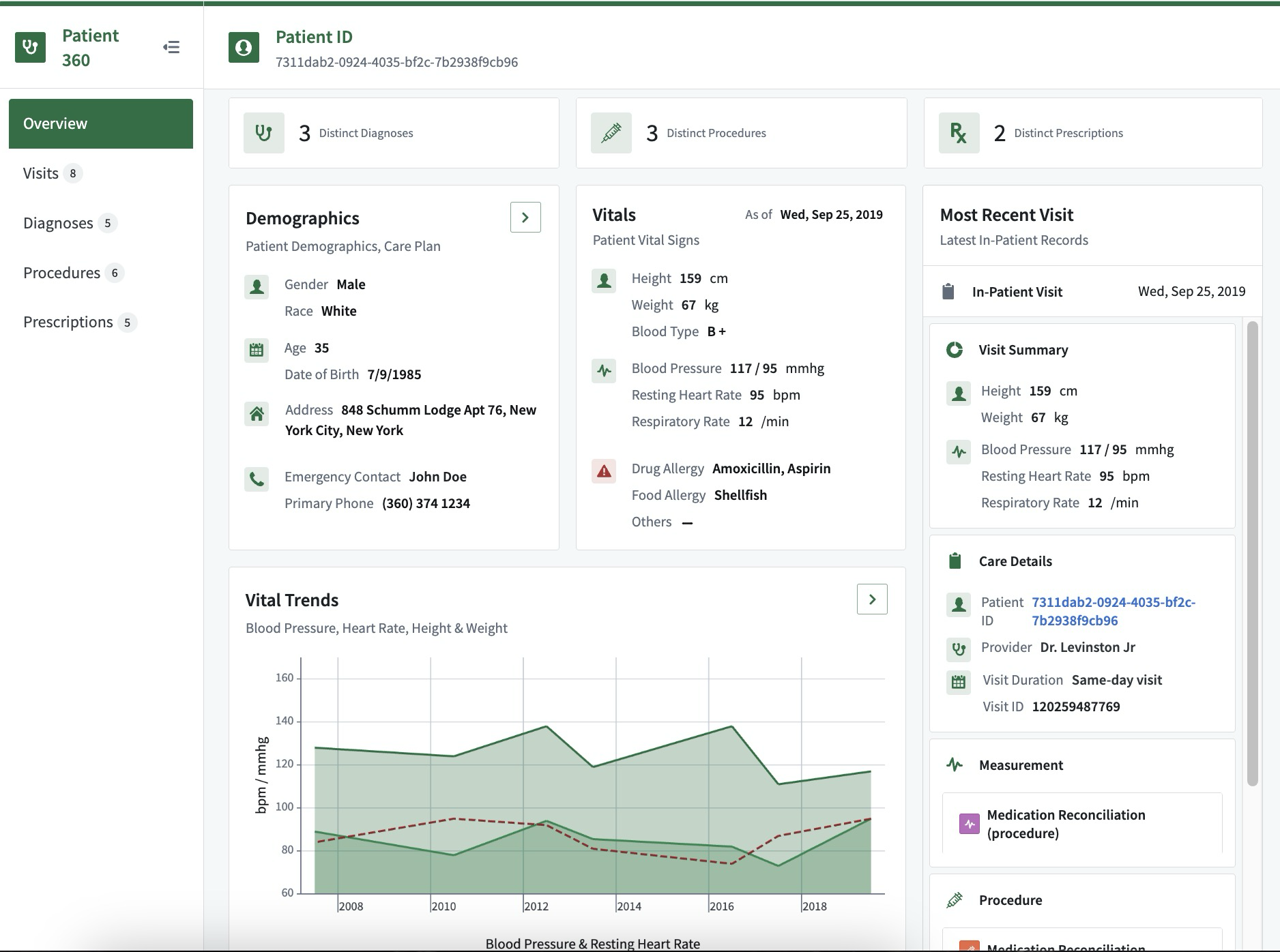
An example of a full Patient Object View:
An example of a full Rental Object View:

Workshop
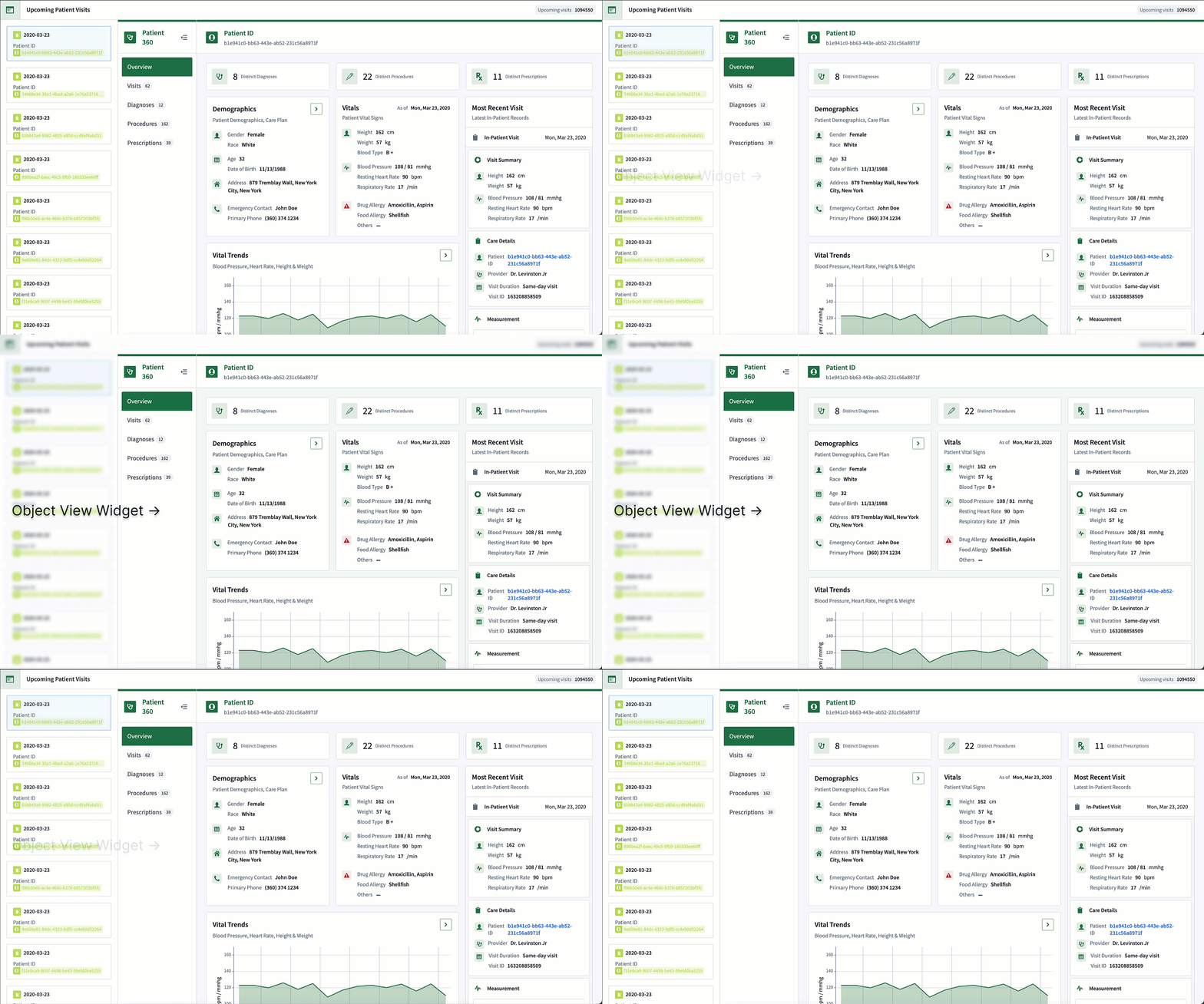
Workshop’s Object View widget can display a detailed Object View inside custom Workshop applications. When configured to display the full Object View, this widget is often used within an overlay or modal to accommodate the full page resolution.
Object Explorer
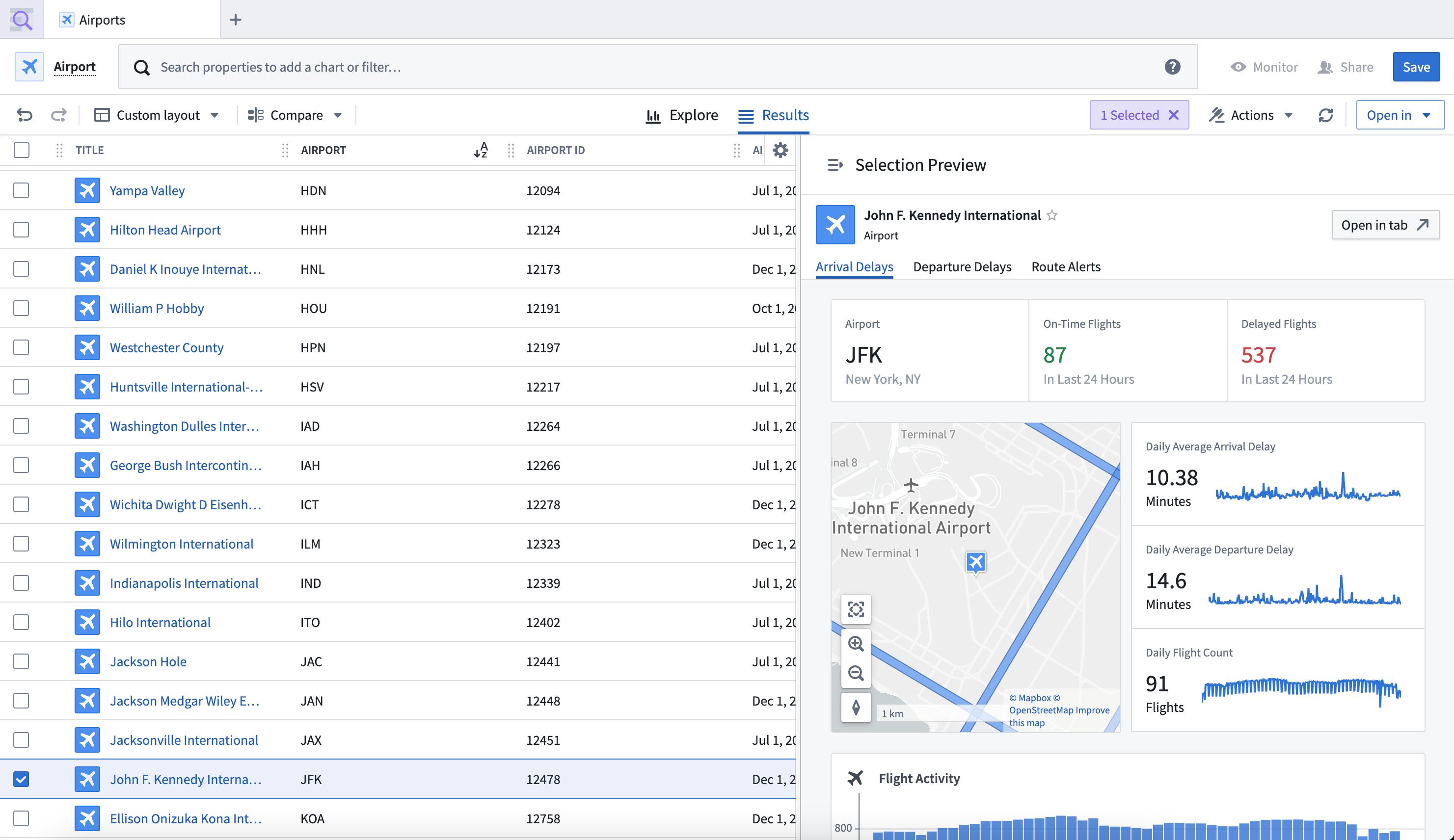
In Object Explorer, you can search for an object, then select it to open the full Object View, providing detailed information about the objects defined in the Ontology.
Platform applications
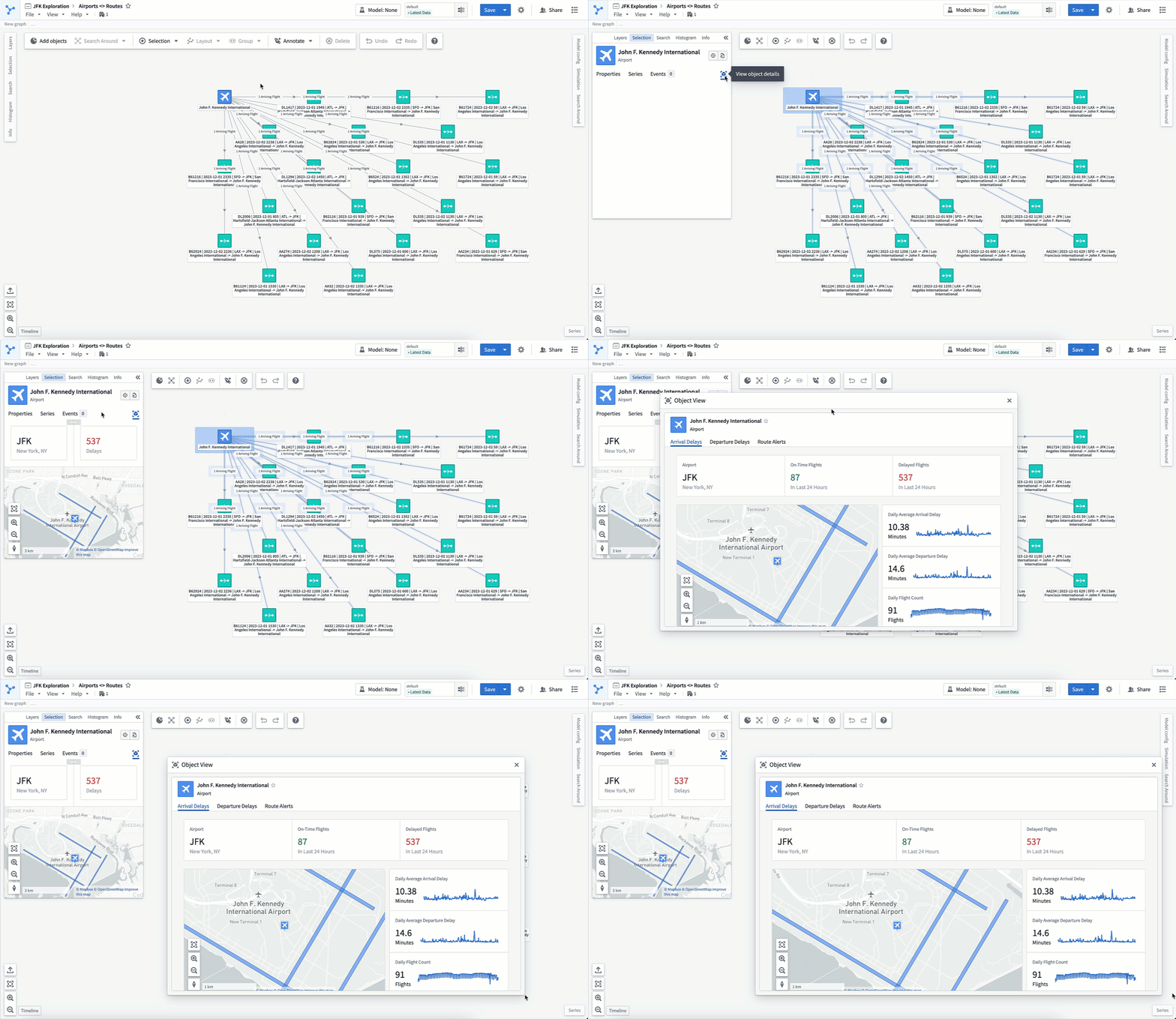
Applications like Vertex, Maps, and Gaia use panel Object Views to provide a customizable, compact view of the selected object. Within the panel, selecting the object’s title will open the full Object View in a moveable and resizable modal.
中文翻译
使用完整对象视图(Full Object Views)
完整对象视图(Full Object Views)提供对象数据的全面展示。它们是平台内对象的主要视图,可在平台应用程序中访问,或嵌入到自定义 Workshop 应用程序中。
一个完整的患者(Patient)对象视图示例:
一个完整的租赁(Rental)对象视图示例:
Workshop
Workshop 的对象视图组件(Object View widget)可在自定义 Workshop 应用程序中显示详细的对象视图。当配置为显示完整对象视图时,该组件通常用于覆盖层或模态框中,以适应完整的页面分辨率。
对象浏览器(Object Explorer)
在对象浏览器(Object Explorer)中,您可以搜索对象,然后选择它以打开完整对象视图,从而提供关于本体论(Ontology)中定义的对象的详细信息。
平台应用程序
Vertex、Maps 和 Gaia 等应用程序使用面板对象视图(Panel Object Views)来提供所选对象的可自定义紧凑视图。在面板中,选择对象的标题将在可移动和可调整大小的模态框中打开完整对象视图。