Action monitoring(操作监控)
Actions in Foundry can be monitored to track performance and reliability. This page explains the available monitoring capabilities for actions.
Available monitoring rules
Action monitoring in Foundry supports two key rule types:
- Action duration p95: Alerts when the 95th percentile execution time exceeds thresholds.
- Number of action failures in window: Alerts when failure count exceeds thresholds within a timeframe.
For detailed configuration options and parameters, review our monitoring rules reference documentation..
Set up action monitoring
To set up monitoring for your actions, follow the standard process for creating monitoring views and rules:
- Create a monitoring view as described in the monitoring views overview documentation.
- Add a monitoring rule for an action or action type as described in the section on adding a monitoring rule.
- Configure appropriate thresholds and severity levels.
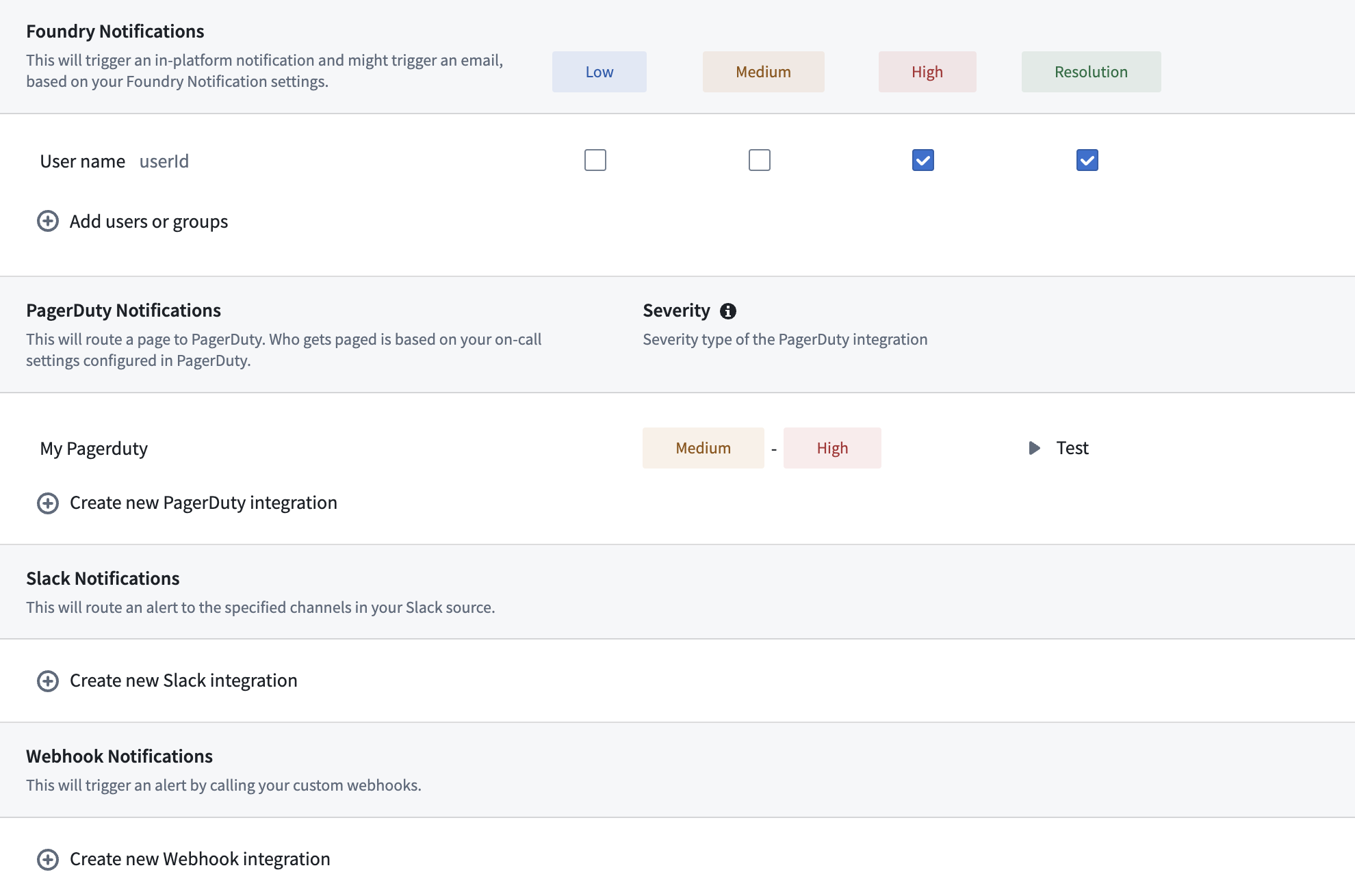
- Set up alert notifications following the alert subscription guide.
Dynamic scopes
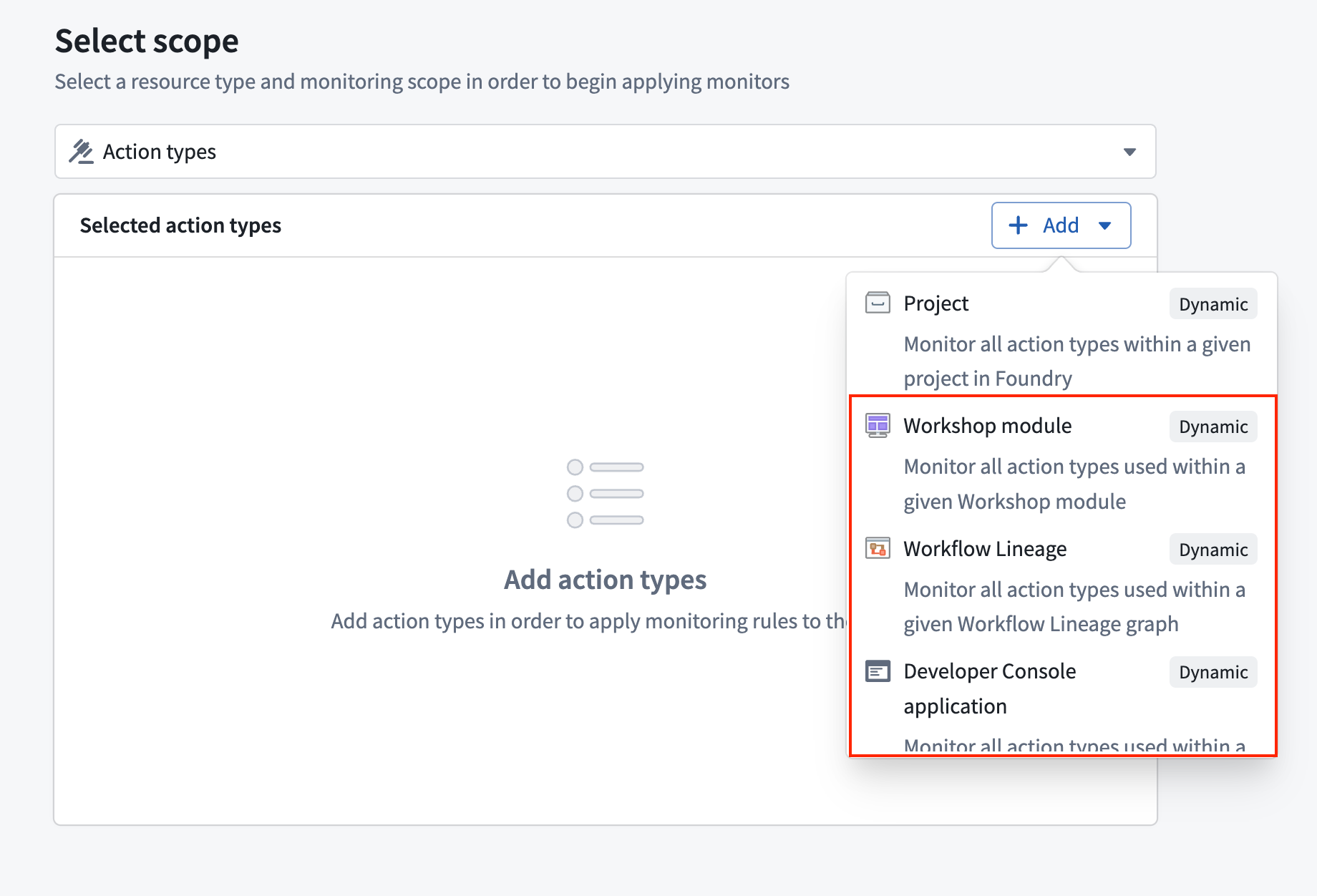
Action monitors support Workflow Lineage, Workshop, and OSDK application as dynamic scopes. When you select one of these scopes, the monitor automatically tracks all actions the scoped resource uses and adjusts as actions are added or removed without further intervention.
Related documentation
中文翻译
操作监控
在 Foundry 中,可以对操作(Action)进行监控,以跟踪其性能和可靠性。本页介绍了操作可用的监控功能。
可用的监控规则
Foundry 中的操作监控支持两种关键规则类型:
- 操作持续时间 p95(Action duration p95): 当第 95 百分位的执行时间超过阈值时发出警报。
- 时间窗口内的操作失败次数(Number of action failures in window): 当在指定时间范围内失败次数超过阈值时发出警报。
有关详细的配置选项和参数,请查阅我们的监控规则参考文档。
设置操作监控
要为您的操作设置监控,请按照创建监控视图和规则的标准流程操作:
动态范围
操作监控支持将工作流谱系(Workflow Lineage)、Workshop 和 OSDK 应用程序作为动态范围。当您选择这些范围之一时,监控器会自动跟踪该范围资源所使用的所有操作,并在添加或移除操作时自动调整,无需进一步干预。