Permissions(权限)
Permissions apply to action types in the following ways:
- Who can view a given action type?
- Who can edit a given action type?
- Who can apply an action type with a given set of parameters?
Apply action
The ability to apply an action type depends on the configuration of the object types and link types it is editing. In all cases, the user submitting the action must be able to view the edited object types and link types and their datasources, and pass the submission criteria. If the object type only allows edits via actions, users can make edits for all the objects they can view. For object types and link types allowing edits beyond actions, the user also needs edit permissions on the writeback dataset if the object type or link type is backed by a dataset. If the object type or link type is backed by a Restricted View, the user needs to pass the edit policy.
:::callout{theme="neutral"} Use the Check access panel in the sidebar to check a user's access to a Workshop module, including access to dependent action types and their submission criteria. For more information, review the check access panel documentation. :::
Submission criteria
Action submission criteria allow for fine-grained control over who can run an action. Simple submission criteria can require a specific user ID or group ID and can be combined with information from parameters. For more information see the submission criteria documentation.
Object edits permissions
Object edits can either be locked down so that edits are only allowed via actions, or reopened so that edits are allowed via actions, Foundry Forms, direct Object Explorer edits, and API calls. To enforce a consistent security paradigm across many workflows, by default, new object types only allow edits via actions. Other forms of edits are not recommended for new usage.
For object types that only allow edits via actions, the user submitting the action will only need Read access on the objects that are being edited. This means that it is possible for users to create objects that they cannot view.
By contrast, when an object type backed by a dataset can be edited by actions, Foundry Forms, direct Object Explorer edits, and API calls, the user submitting the action must have Edit permissions on the writeback datasets of all objects being edited. A user with Edit permissions will be able to view all data in a writeback dataset.
Therefore, setting an object type to be edited by actions, Foundry Forms, direct Object Explorer edits, and API calls is discouraged since granting Edit permissions simply for object editing may expose more data to a user than is required to complete the Ontology editing workflow.
With either writeback setting, an action type's configuration does not display permission settings on affected underlying object types; the person configuring the action type must ensure that these permissions are correct.
Updating edit permissions on an object type to "Only allow edits via actions" will not remove historical, non-action edits, but they will prevent further edits from Foundry Forms, direct Object Explorer edits, and API calls.
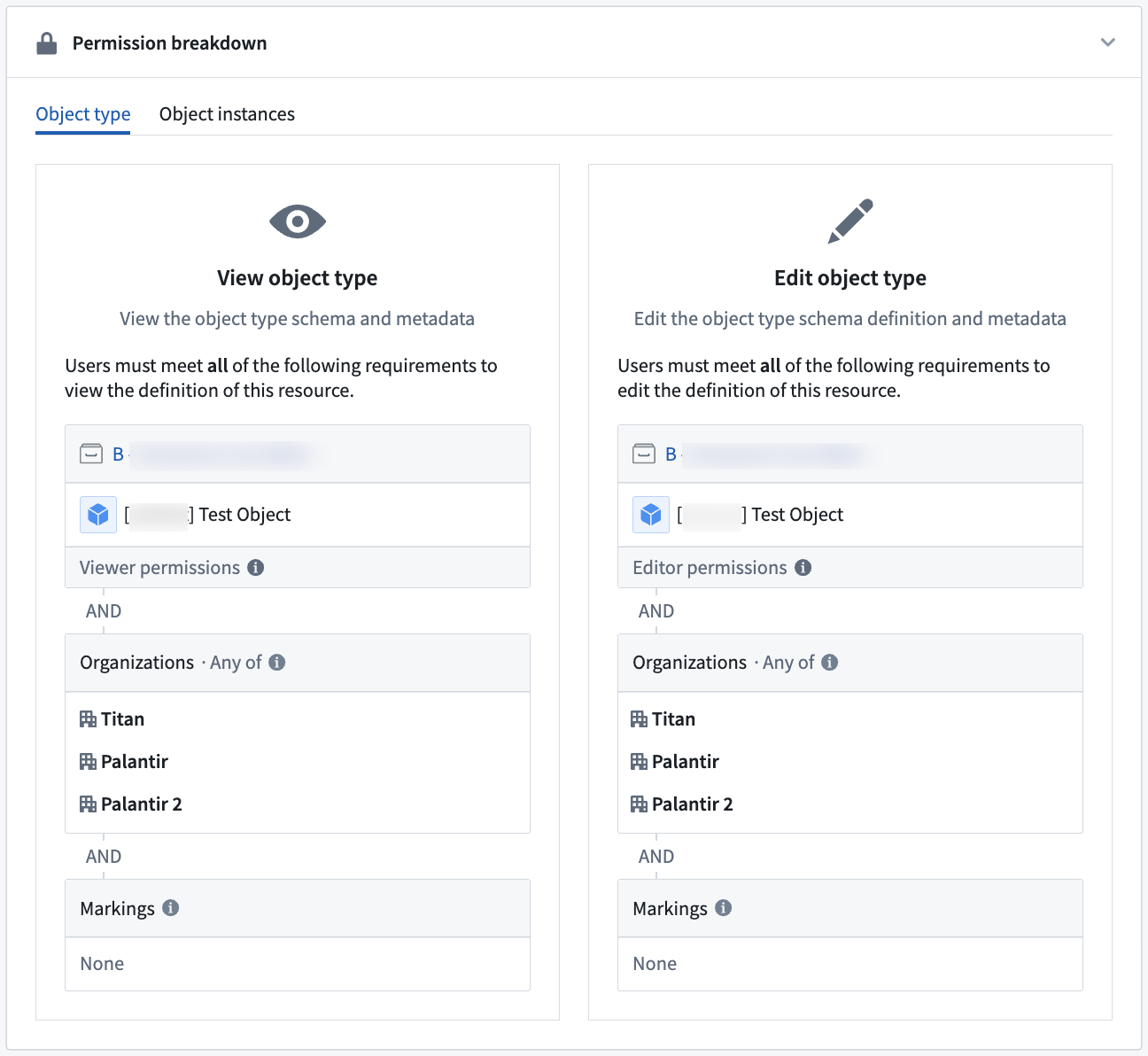
Learn more about writeback permissions.
Side effect permissions
Any user who can set up an action may configure side effects.
- Webhook side effects are not enabled by default. Additional permissions are required to configure a webhook plugin in the Data Connection app before it can be used in the actions setup page. Contact your Palantir representative with any questions about using webhooks on your Foundry instance.
Submission criteria must pass as normal; if the action submission criteria fail, then side effects will not be triggered.
Recipients must have access to any object data included in the notifications.
- If a user does not have access to all data included in the notification content, the notification will not be sent to them.
- If there are multiple recipients and some are missing the correct permissions data included in the notification, only the users with sufficient permissions will be notified.
- If notifications fail to send for whatever reason, edits may still succeed.
The user executing the Action must be able to view the users and/or groups that will be receiving a notification.
中文翻译
权限
权限通过以下方式应用于操作类型:
- 谁可以查看某个操作类型?
- 谁可以编辑某个操作类型?
- 谁可以使用特定参数集应用某个操作类型?
应用操作
应用操作类型的能力取决于其所编辑的对象类型和链接类型的配置。在所有情况下,提交操作的用户必须能够查看被编辑的对象类型、链接类型及其数据源,并满足提交条件。如果对象类型仅允许通过操作进行编辑,则用户可对其能查看的所有对象进行编辑。对于允许通过操作以外方式编辑的对象类型和链接类型,若该类型由数据集支持,用户还需具备对回写数据集(writeback dataset)的编辑权限。若对象类型或链接类型由受限视图(Restricted View)支持,则用户需通过编辑策略。
:::callout{theme="neutral"} 使用侧边栏中的检查访问权限面板可查看用户对 Workshop 模块的访问权限,包括对依赖操作类型及其提交条件的访问权限。更多信息请参阅检查访问权限文档。 :::
提交条件
操作提交条件允许对谁可以运行操作进行细粒度控制。简单的提交条件可要求特定用户 ID 或组 ID,并可结合参数信息使用。更多信息请参阅提交条件文档。
对象编辑权限
对象编辑可被锁定为仅允许通过操作进行编辑,或重新开放为允许通过操作、Foundry Forms、直接对象资源管理器编辑及 API 调用进行编辑。为在多个工作流中强制执行一致的安全范式,默认情况下,新对象类型仅允许通过操作进行编辑。不建议在新场景中使用其他编辑方式。
对于仅允许通过操作进行编辑的对象类型,提交操作的用户只需对正在编辑的对象拥有读取权限。这意味着用户可能创建其无法查看的对象。
相比之下,当由数据集支持的对象类型可通过操作、Foundry Forms、直接对象资源管理器编辑及 API 调用进行编辑时,提交操作的用户必须对所有被编辑对象的回写数据集拥有编辑权限。拥有编辑权限的用户将能查看回写数据集中的所有数据。
因此,不建议将对象类型设置为可通过操作、Foundry Forms、直接对象资源管理器编辑及 API 调用进行编辑,因为仅为对象编辑授予编辑权限可能会向用户暴露超出完成本体编辑工作流所需的数据。
无论采用哪种回写设置,操作类型的配置都不会显示受影响底层对象类型的权限设置;配置操作类型的人员必须确保这些权限正确无误。
将对象类型的编辑权限更新为"仅允许通过操作进行编辑"不会移除历史非操作编辑记录,但会阻止后续通过 Foundry Forms、直接对象资源管理器编辑及 API 调用进行的编辑。
副作用权限
任何能够设置操作的用户均可配置副作用。
- Webhook 副作用默认未启用。在数据连接应用中配置 Webhook 插件需要额外权限,之后才能在操作设置页面中使用。如有关于在 Foundry 实例上使用 Webhook 的任何问题,请联系您的 Palantir 代表。
提交条件必须正常通过;如果操作提交条件失败,则不会触发副作用。
收件人必须能够访问通知中包含的任何对象数据。
- 如果用户无法访问通知内容中包含的所有数据,则不会向其发送通知。
- 如果有多个收件人,且部分收件人缺少通知中包含的正确权限数据,则仅会通知具有足够权限的用户。
- 如果通知因任何原因发送失败,编辑操作仍可能成功。
执行操作的用户必须能够查看将接收通知的用户和/或组。