Embedding a widget in Workshop(在 Workshop 中嵌入小组件)
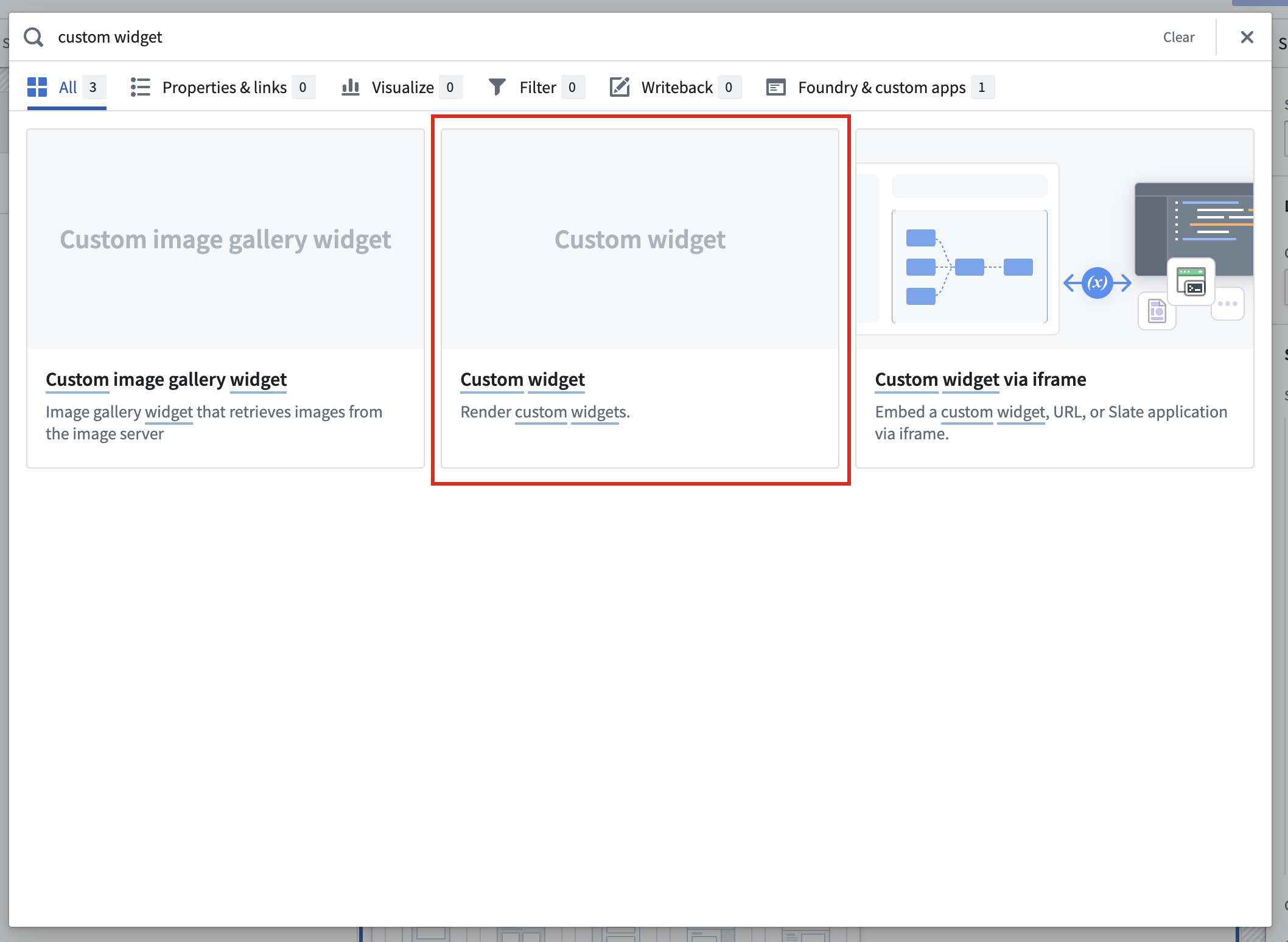
To embed a widget in Workshop, start by adding a custom widget component to your Workshop:
In the new Widget setup tab, find Select to select the widget set and version to use.
:::callout{theme="neutral"} A brand-new widget must be published at least once before the new widget appears in the widget set and version selector. After the new widget's first release, you can use dev mode to preview unpublished changes to the widget's code, parameters, and events directly in Workshop. :::
Configure parameters and events
You can bind the parameters your widget uses to Workshop variables to allow passing data in and out of the Workshop state. For information on the different parameter types available, see parameters and events.
You can use events to allow widgets to update the parameter values. You can also bind these events to Workshop events such that when a widget fires an event, it will also trigger a Workshop event.
Widget parameters and events can be bound to Workshop variables and events in the Widget setup panel:

Limitations
Custom widgets currently reload every time they are removed from the page and later displayed again. To prevent the widget from resetting in this case, consider storing custom widget data in Workshop variables that are passed to the widget.
中文翻译
在 Workshop 中嵌入小组件
要在 Workshop 中嵌入小组件(widget),首先在 Workshop 中添加一个自定义小组件(custom widget)组件:
在新增的小组件设置(Widget setup)选项卡中,找到选择(Select)以选取要使用的小组件集(widget set)及其版本。
:::callout{theme="neutral"} 全新创建的小组件必须至少发布一次,才能出现在小组件集和版本选择器中。在首次发布后,您可以使用开发模式直接在 Workshop 中预览尚未发布的代码、参数和事件更改。 :::
配置参数和事件
您可以将小组件使用的参数(parameters)绑定到 Workshop 变量,从而允许数据传入和传出 Workshop 状态。有关不同参数类型的详细信息,请参阅参数和事件。
您可以使用事件(events)让小组件更新参数值。您还可以将这些事件绑定到 Workshop 事件,这样当小组件触发事件时,也会同时触发 Workshop 事件。
小组件的参数和事件可以在小组件设置面板中绑定到 Workshop 变量和事件:
限制
自定义小组件在每次从页面移除并重新显示时都会重新加载。为防止小组件在这种情况下重置,建议将自定义小组件的数据存储在传递给小组件的 Workshop 变量中。