Open a URL in Workshop(在 Workshop 中打开 URL)
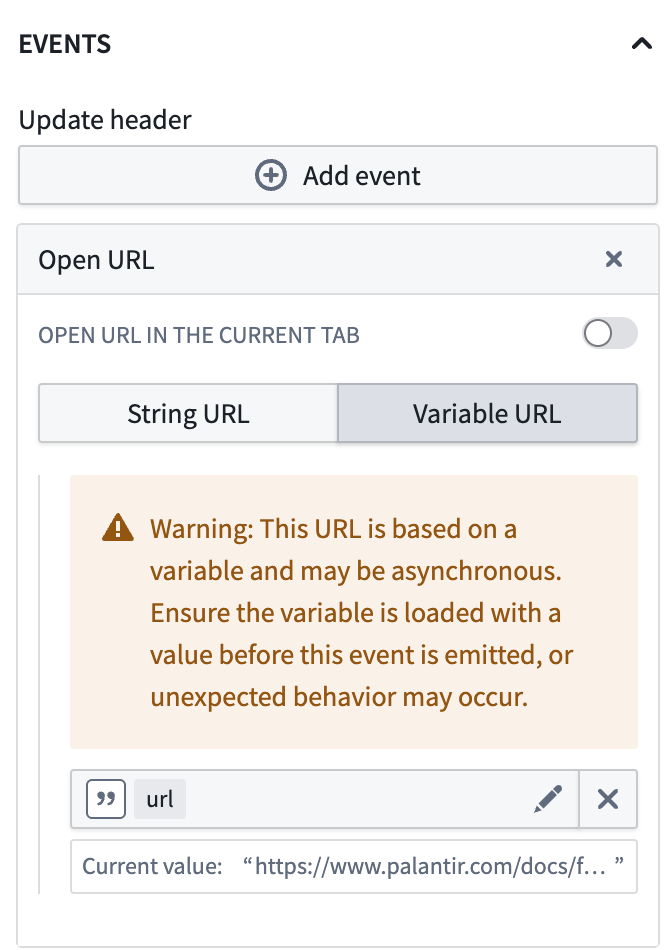
To open a URL from a custom widget in Workshop, emit an event and configure it in Workshop to trigger an Open URL Workshop event as a side effect.
This can be a simple static string URL, or a string variable URL that may be bound to a parameter and updated in the same custom widget event.
:::callout{theme="warning"}
Note that an asynchronous variable may not update before the Open URL event is run. For example, a direct update of a string variable URL as part of the custom widget event is synchronous, but a downstream variable transform to build the string variable URL would be asynchronous.
:::
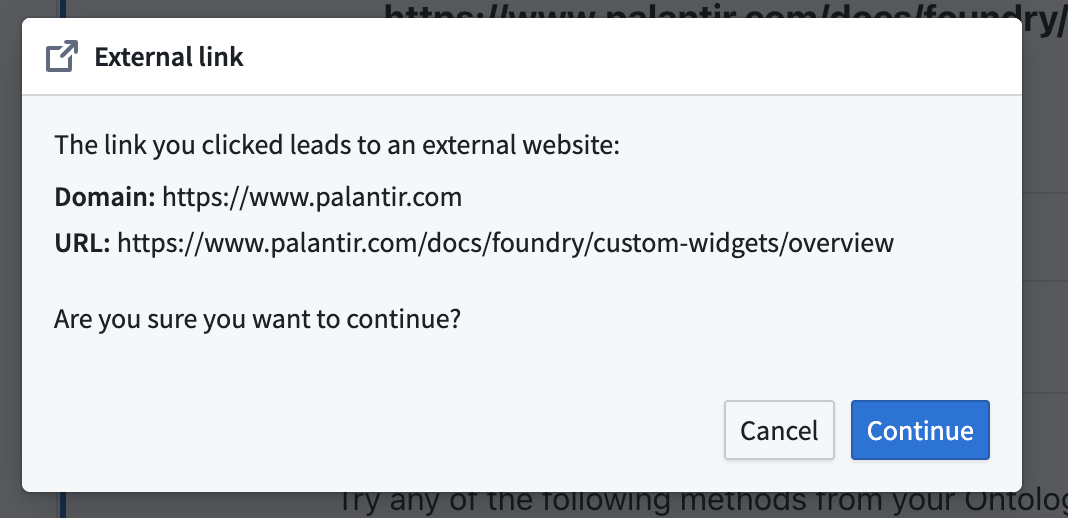
When opening external URLs, this may trigger a warning dialog.
中文翻译
在 Workshop 中打开 URL
若要从 Workshop 的自定义组件(custom widget)中打开 URL,需先触发一个事件(event),然后在 Workshop 中将其配置为触发 Open URL Workshop 事件作为副作用(side effect)。
该 URL 可以是简单的静态字符串 URL,也可以是绑定到参数(parameter)的字符串变量 URL,并可在同一自定义组件事件中更新。
:::callout{theme="warning"}
请注意,异步变量可能无法在 Open URL 事件运行前完成更新。例如,在自定义组件事件中直接更新字符串变量 URL 是同步操作,但通过下游变量转换(variable transform)来构建字符串变量 URL 则是异步操作。
:::
打开外部 URL 时,可能会触发警告对话框。