Horizontal rule(水平分割线(Horizontal Rule))
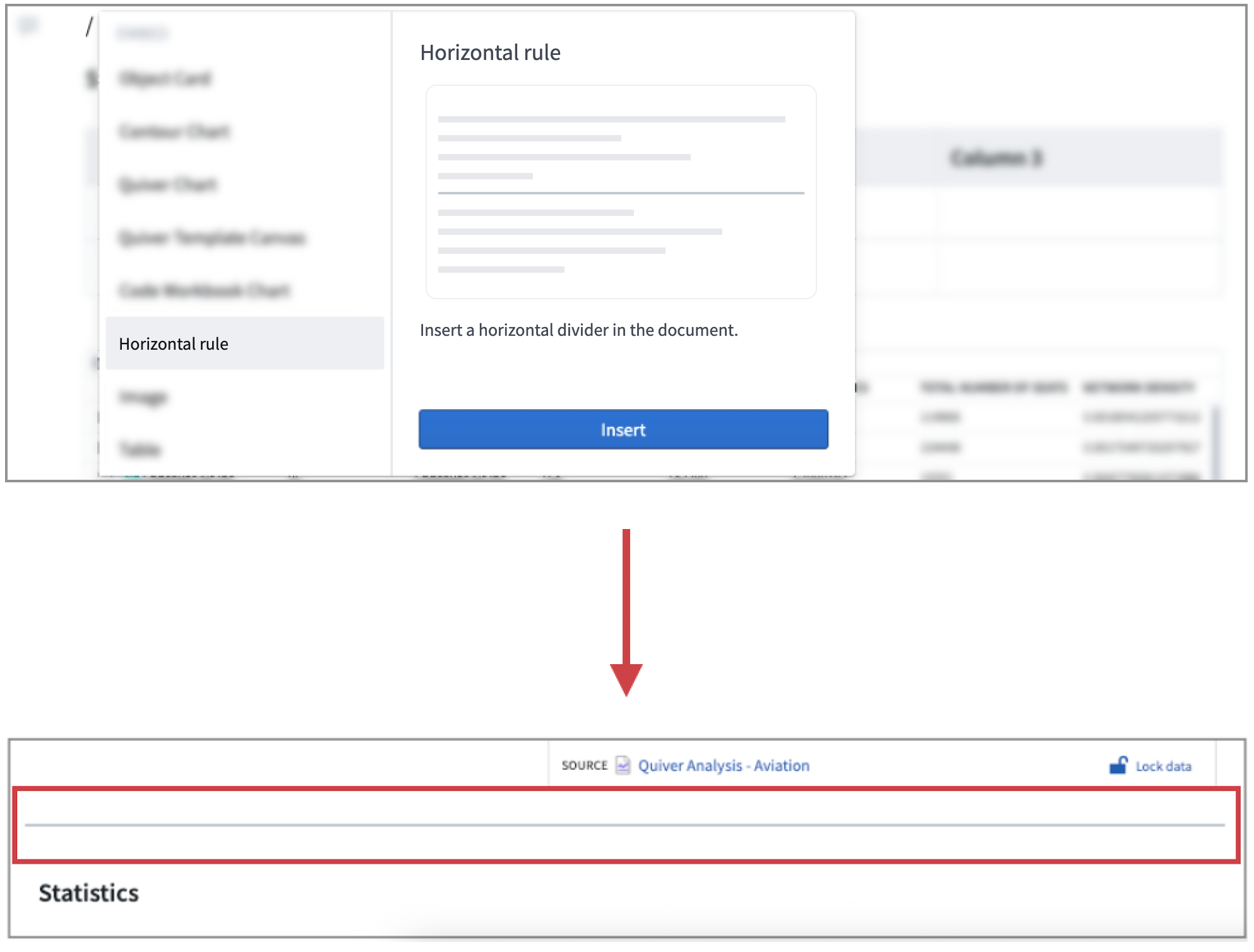
The Horizontal Rule widget acts as a visual divider between contents. Add a Horizontal Rule section by selecting + Add widget or entering a backslash in a paragraph field to open the widget insertion menu at the specified location.
中文翻译
水平分割线(Horizontal Rule)
水平分割线组件(Horizontal Rule widget)可作为内容之间的视觉分隔符。通过选择 + 添加组件(Add widget) 或在段落字段中输入反斜杠,可在指定位置打开组件插入菜单(widget insertion menu),从而添加 水平分割线(Horizontal Rule) 部分。