Image(图像(Image))
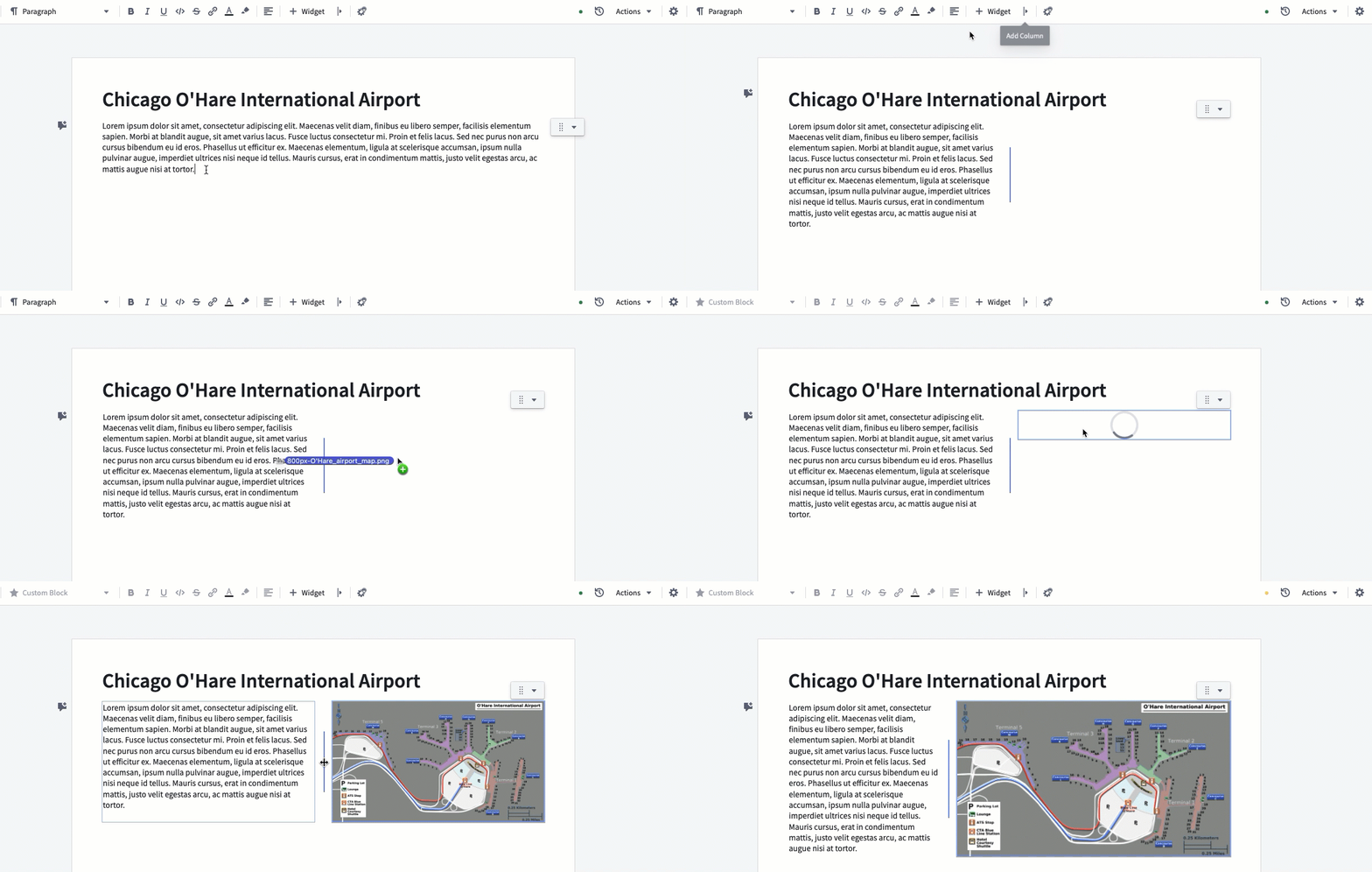
Images can be inserted into documents by drag-and-drop, or by copy-pasting them into a document.
Images can be resized by creating a surrounding column layout (see below). Select the add column button and then drag the column divider to adjust the size.
中文翻译
图像(Image)
可以通过拖放或复制粘贴的方式将图像插入到文档中。
通过创建环绕的列布局(见下文)可以调整图像大小。选择添加列按钮,然后拖动列分隔线即可调整尺寸。