Quiver dashboard(Quiver 仪表盘(Quiver dashboard))
Embedding a Quiver dashboard in a Notepad document allows you to export the dashboard to PDF or print it. Embedding dashboards also allows you to lock data at a point in time.
You can embed a Quiver dashboard in a Notepad document by clicking + Widget.
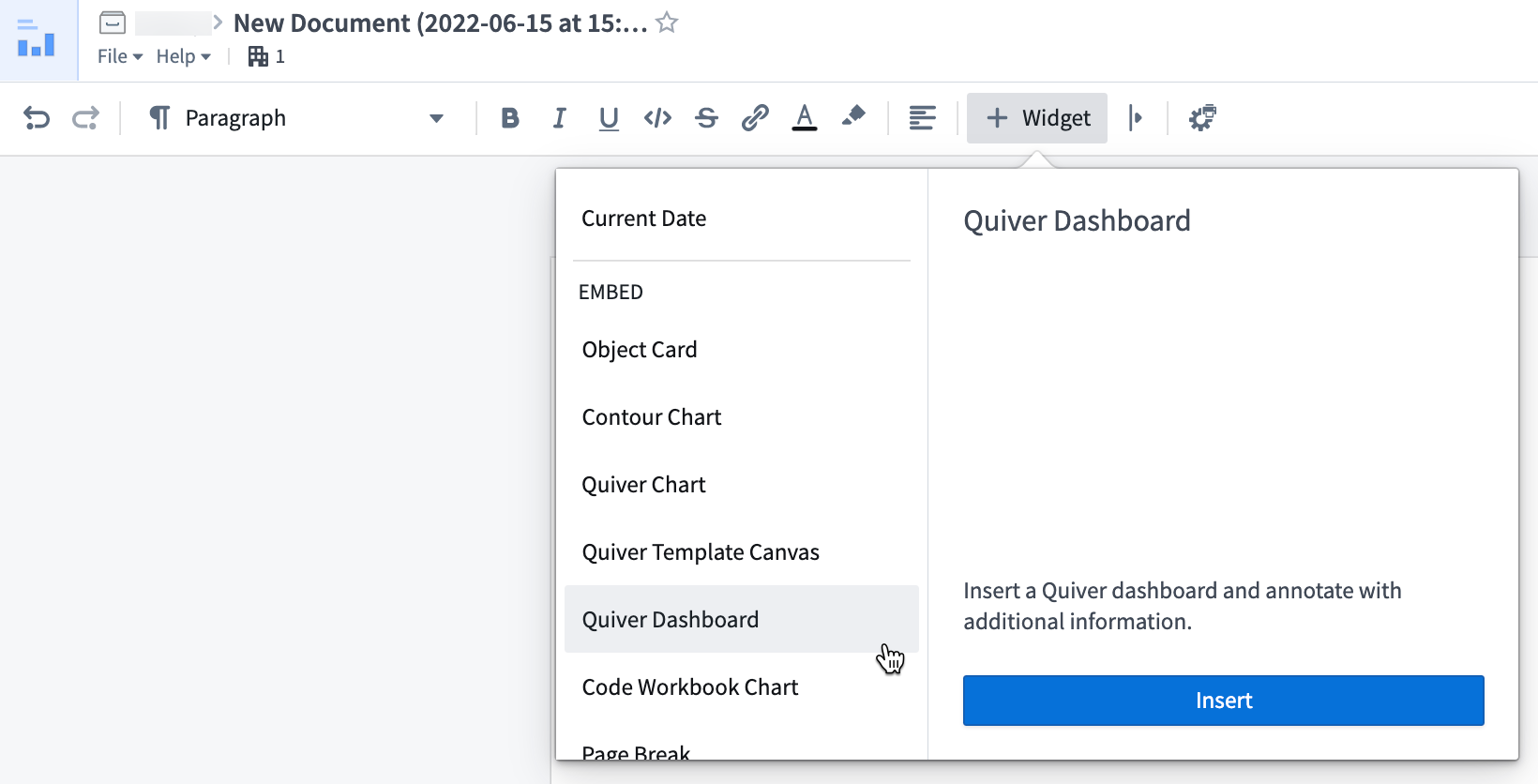
Widget properties
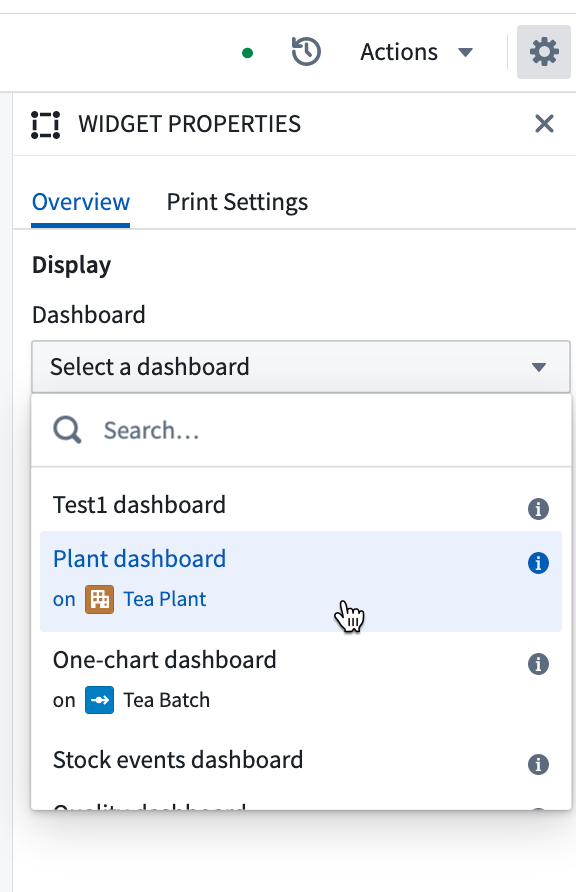
- Dashboard: select the dashboard you want to embed.
- Version: select the version of the dashboard, or toggle Auto-update if you would like to always show the latest version.
Template configuration
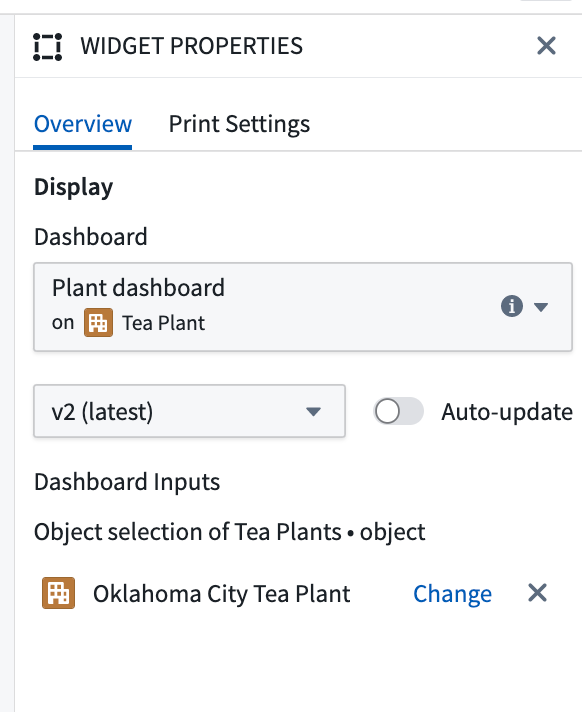
- Dashboard Inputs: if your dashboard has inputs defined, the inputs will be displayed in this section. You can map the inputs to variables in your Notepad document with the mapping table below.
| Quiver input type | Notepad input type |
|---|---|
| Boolean | String |
| Number | Number |
| String | String |
| Time | Timestamp |
| Time Range | String, ISO format - ISO format |
| Time Series | Not supported |
| Object | Object |
| Object Set | Object Set |
| String List | String: ["option_1","option_2"] |
In the example below, the dashboard has one object input that has been configured directly in the editor.
中文翻译
Quiver 仪表盘(Quiver dashboard)
在记事本(Notepad)文档中嵌入 Quiver 仪表盘,可以让你将仪表盘导出为 PDF 或打印。嵌入仪表盘还可以将数据锁定在某个时间点。
你可以通过点击 + 组件(Widget) 在记事本文档中嵌入 Quiver 仪表盘。
组件属性(Widget properties)
- 仪表盘(Dashboard): 选择要嵌入的仪表盘。
- 版本(Version): 选择仪表盘的版本,或者如果你希望始终显示最新版本,可切换 自动更新(Auto-update)。
模板配置(Template configuration)
- 仪表盘输入(Dashboard Inputs): 如果你的仪表盘定义了输入,这些输入将显示在此部分。你可以通过下方的映射表将输入映射到记事本文档中的变量。
| Quiver 输入类型(Quiver input type) | 记事本输入类型(Notepad input type) |
|---|---|
| 布尔值(Boolean) | 字符串(String) |
| 数字(Number) | 数字(Number) |
| 字符串(String) | 字符串(String) |
| 时间(Time) | 时间戳(Timestamp) |
| 时间范围(Time Range) | 字符串(String),ISO 格式 - ISO 格式 |
| 时间序列(Time Series) | 不支持(Not supported) |
| 对象(Object) | 对象(Object) |
| 对象集(Object Set) | 对象集(Object Set) |
| 字符串列表(String List) | 字符串(String):["option_1","option_2"] |
在下面的示例中,仪表盘有一个已在编辑器中直接配置的对象输入。