Dashboards(仪表盘(Dashboards))
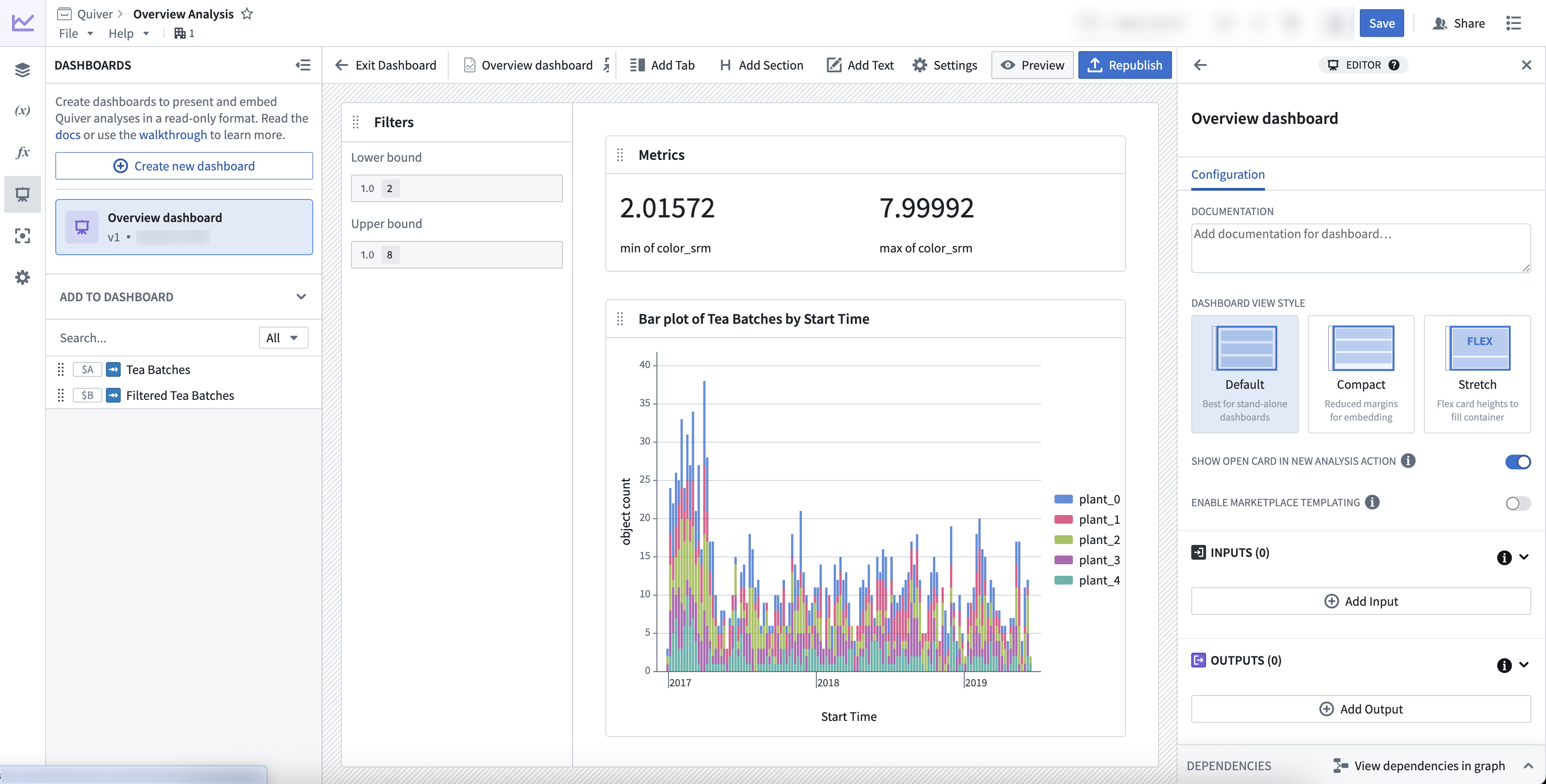
Quiver dashboard mode allows you to present insights from your analysis in read-only, interactive dashboards. Dashboards can be used as standalone views or embedded in other Foundry applications.
Key features
- Create multiple dashboards per analysis.
- Start from a blank dashboard and easily drag and drop content from your analysis into the dashboard.
- Choose between three view styles to optimize your dashboard for standalone consumption or for embedding in other applications.
- Embed dashboards in other parts of Foundry, including Workshop modules, Notepad documents, Carbon workspaces, and Object Views.
中文翻译
仪表盘(Dashboards)
Quiver 仪表盘模式允许您以只读、交互式仪表盘的形式呈现分析洞察。仪表盘既可作为独立视图使用,也可嵌入其他 Foundry 应用程序中。
主要功能
- 每个分析可创建多个仪表盘。
- 从空白仪表盘开始,轻松将分析中的内容拖放至仪表盘。
- 在三种视图样式之间选择,以优化仪表盘用于独立消费或嵌入其他应用程序的体验。
- 将仪表盘嵌入 Foundry 的其他部分,包括 Workshop 模块、Notepad 文档、Carbon 工作区 和 对象视图(Object Views)。