Reorder widgets(重新排序组件(Reorder widgets))
You can drag widgets to reorder content in a report. To reorder content:
-
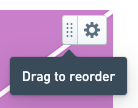
Find the target widget's drag handle in its upper-right corner:
-
Click and hold the drag handle to begin dragging the widget.
-
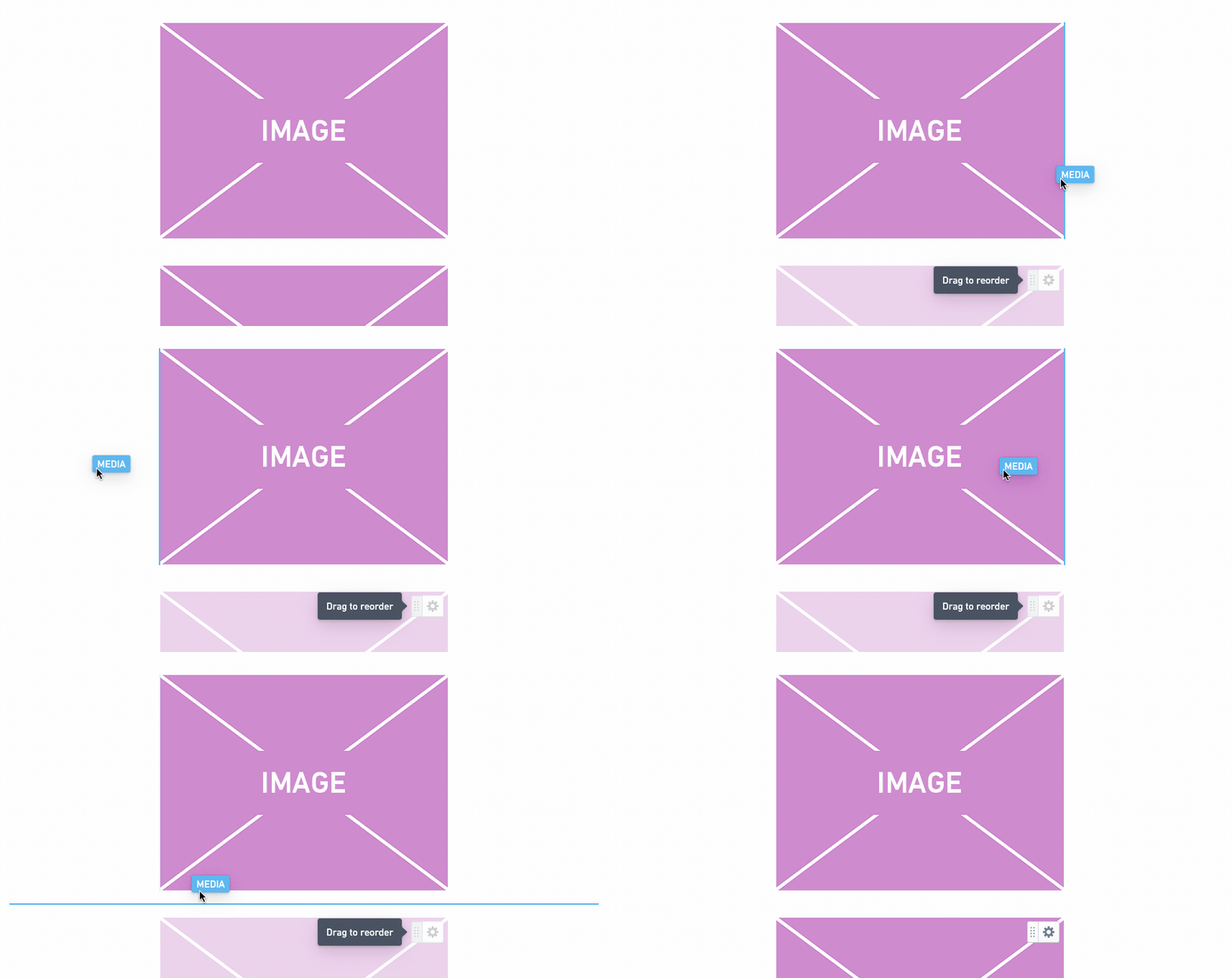
Drag the widget to another place in the report. You can drop it above or below any other widget, or you can drop it next to another widget to put multiple pieces of content on the same row:
-
Release the mouse button to drop the widget.
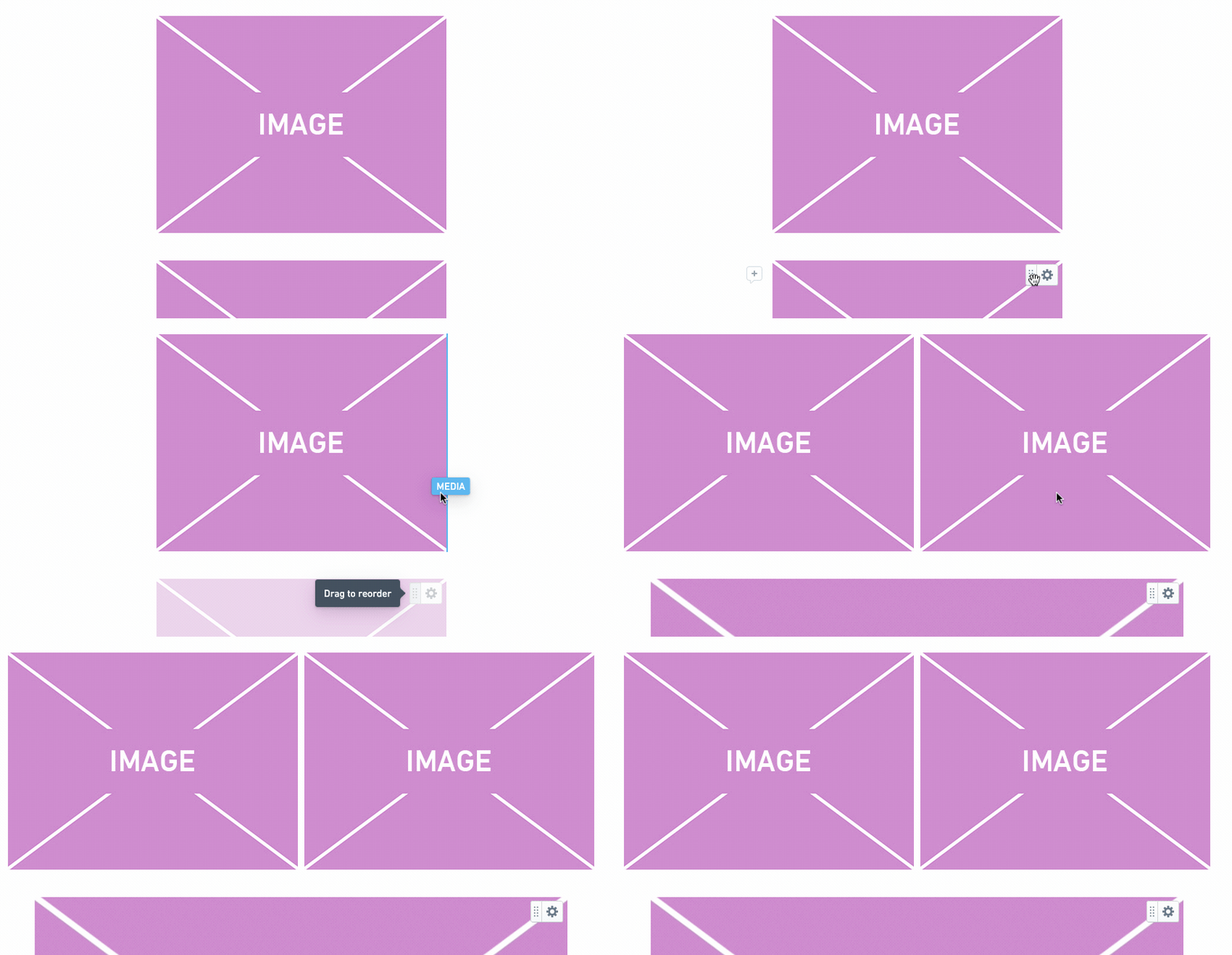
:::callout{theme="success"} A row can contain up to six widgets. :::
中文翻译
重新排序组件(Reorder widgets)
您可以通过拖拽组件来重新排列报告中的内容。要重新排序内容:
-
在目标组件的右上角找到其拖拽手柄:
-
点击并按住拖拽手柄,开始拖拽该组件。
-
将组件拖拽到报告中的其他位置。您可以将其放置在任何其他组件的上方或下方,也可以将其放置在另一个组件旁边,以便将多个内容放在同一行:
-
松开鼠标按钮以放置该组件。
:::callout{theme="success"} 一行最多可包含六个组件。 :::