Time selection(时间选择)
:::callout{theme="warning" title="Deprecated functionality"} Map's Time selection panel has been deprecated, and this documentation will be removed in a future release. The panel's functionality now resides in the timeline. :::
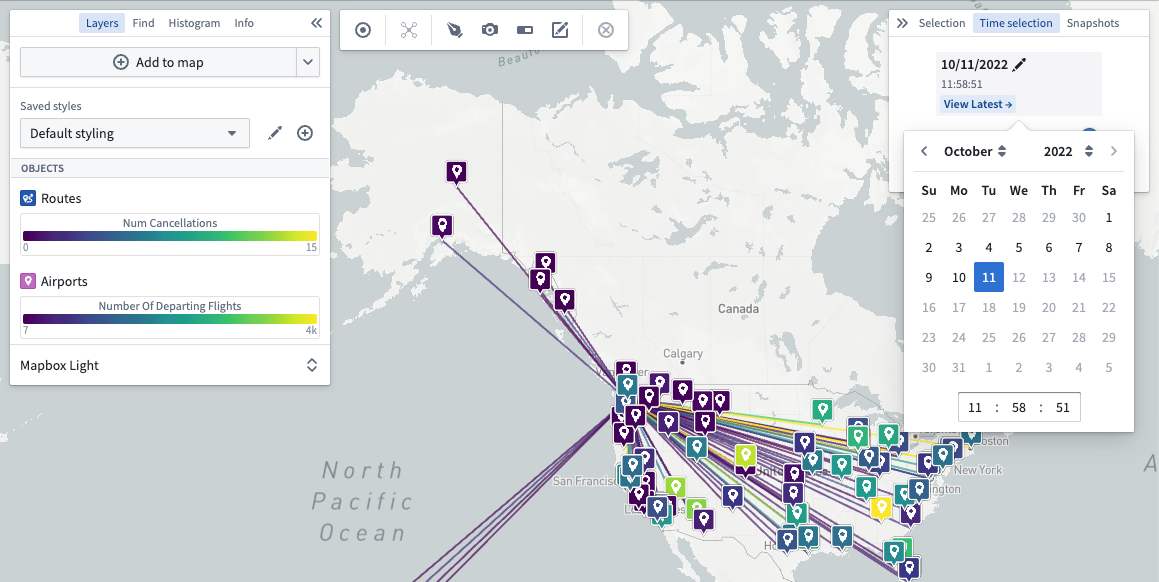
Using the Time selection panel, you can adjust the currently selected time and time window. By scrolling through the time window, you can understand how your data changes over time.
Change the selected time
Adjust your map to visualize data at a time of interest by using the time selector.
:::callout{theme="neutral"} The time selector only allows selecting a time that lies within the current time window. :::
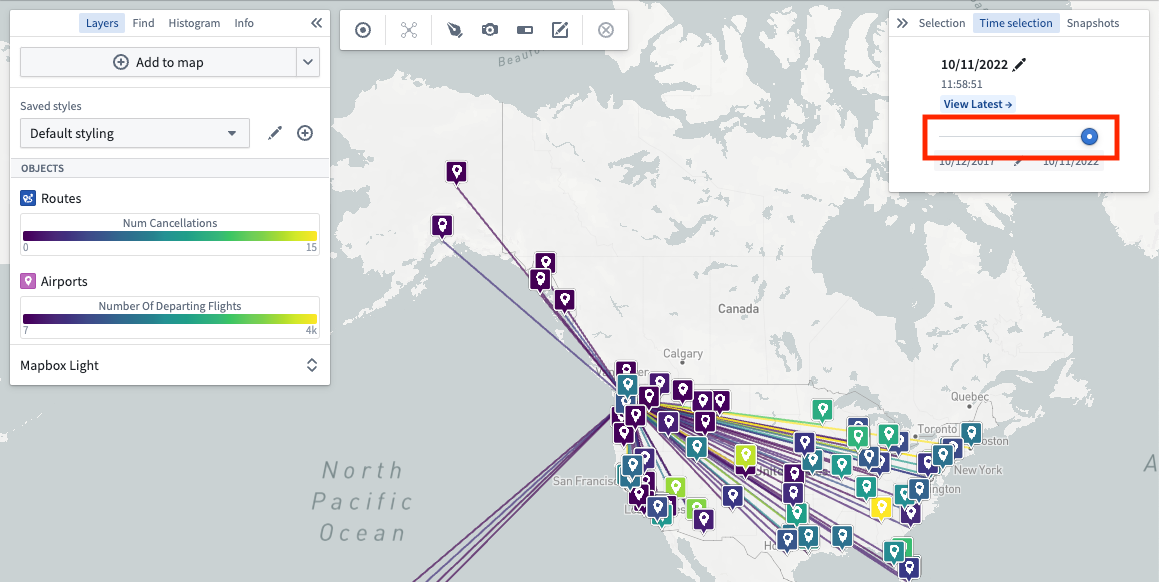
You can also use the slider to scroll through your time window:
View the latest data
Click View latest to set the selected time to the current time. When on the Latest Data view, the selected time will automatically update to match the current time. Use latest data mode in combination with streaming data to visualize data on your map that updates in real time.
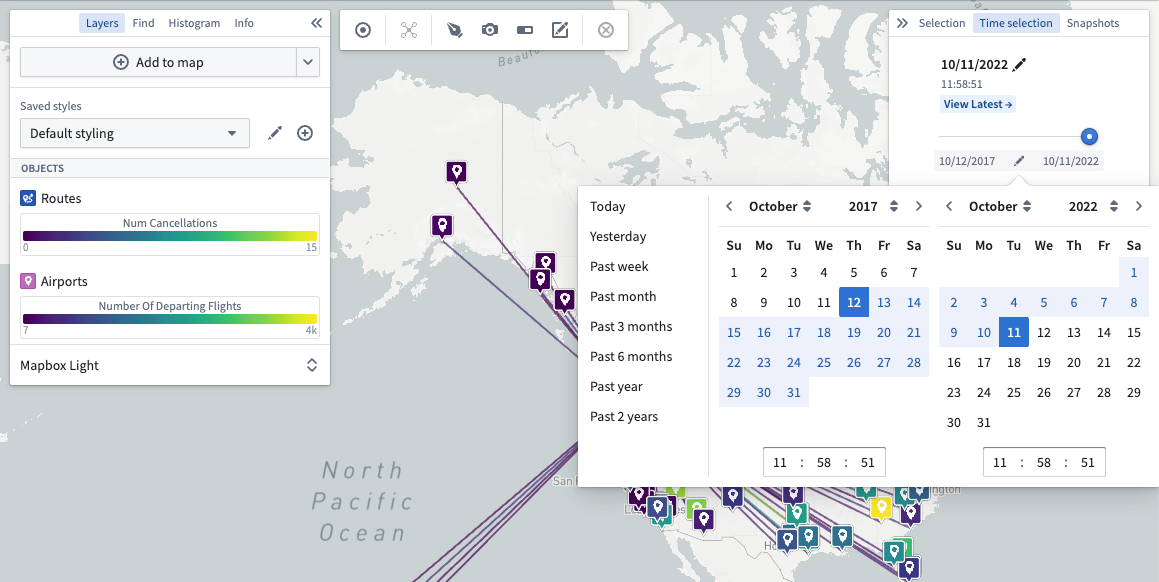
Change the time window
Adjust the time window using the date range selector under the time slider:
中文翻译
时间选择
:::callout{theme="warning" title="已弃用功能"} Map 的时间选择面板已弃用,本文档将在未来版本中移除。该面板的功能现已迁移至时间线。 :::
使用时间选择面板,您可以调整当前选定的时间及时间窗口。通过滚动时间窗口,您可以了解数据随时间的变化趋势。
更改选定时间
使用时间选择器调整地图,以可视化您关注时间点的数据。
:::callout{theme="neutral"} 时间选择器仅允许选择当前时间窗口内的时间点。 :::
您也可以使用滑块在时间窗口中滚动:
查看最新数据
点击查看最新可将选定时间设置为当前时间。在最新数据视图下,选定时间将自动更新以匹配当前时间。将最新数据模式与流式数据结合使用,可在地图上可视化实时更新的数据。
更改时间窗口
使用时间滑块下方的日期范围选择器调整时间窗口: