Add Foundry Rules to a Marketplace products(将 Foundry Rules 添加到 Marketplace 产品中)
Use Foundry DevOps to include your Foundry Rules workflow in Marketplace products and enable other users to install and reuse them. Learn how to create your first product.
Supported features
All Foundry Rules features are supported.
Add Foundry Rules workflows to products
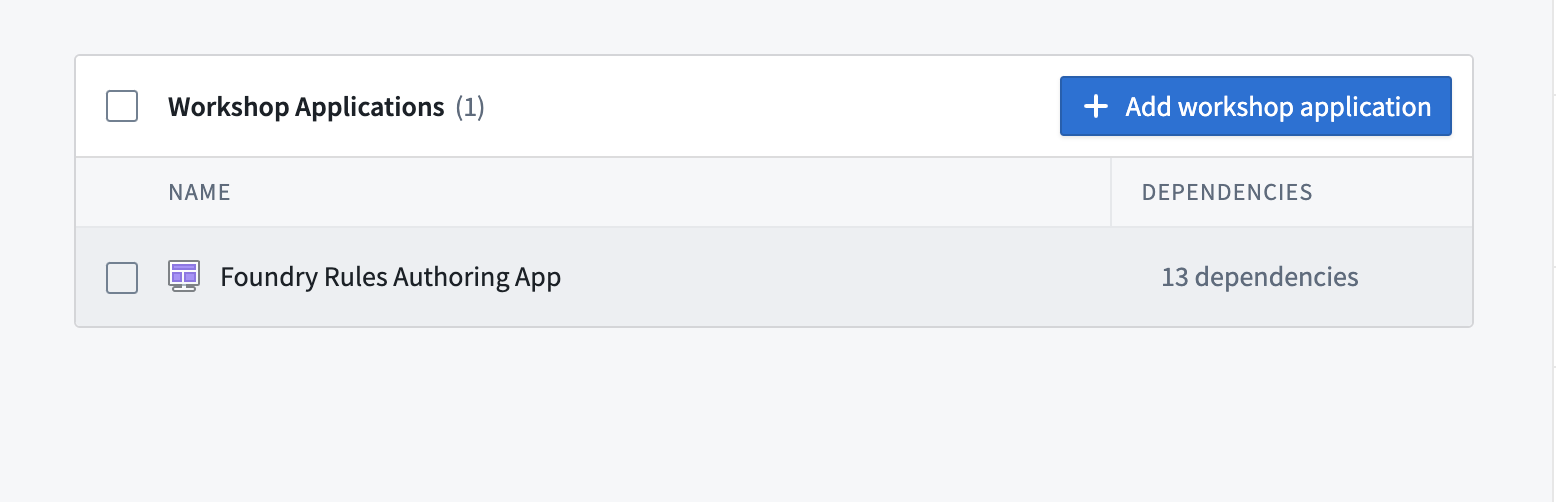
To add a Foundry Rules workflow to a product, first create a product then select the Workshop Application content type, followed by your Foundry Rules authoring application, as below.
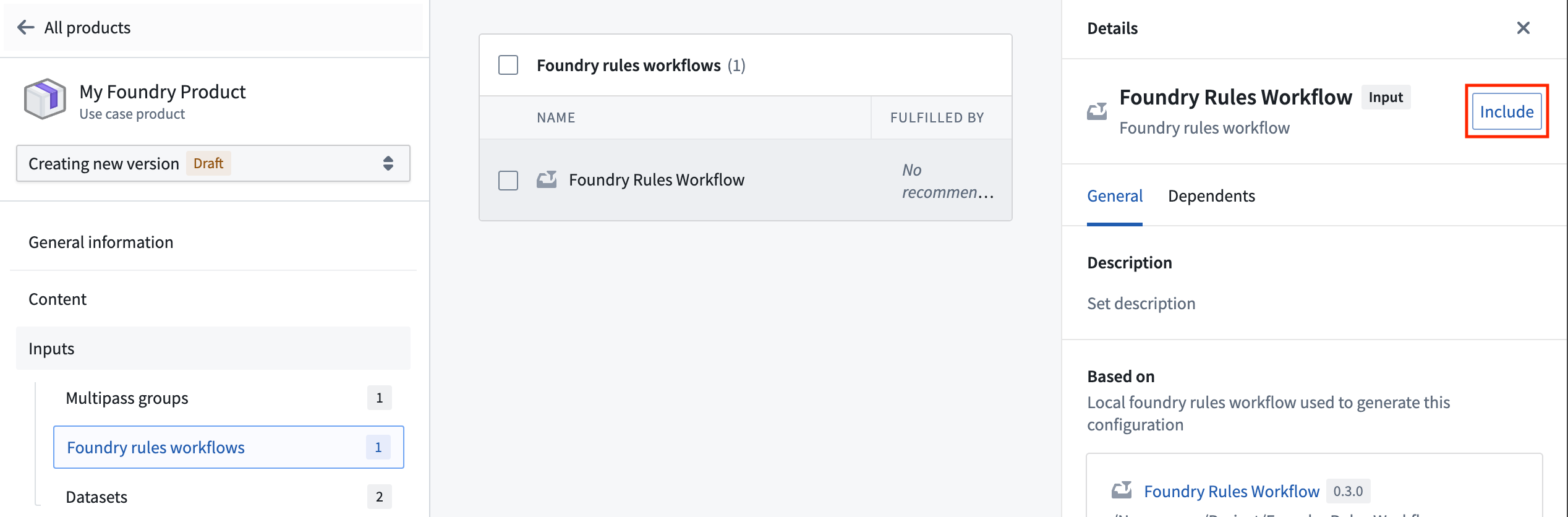
After adding your Workshop application, go to the Foundry rules workflows section in your product's inputs and include your workflow.
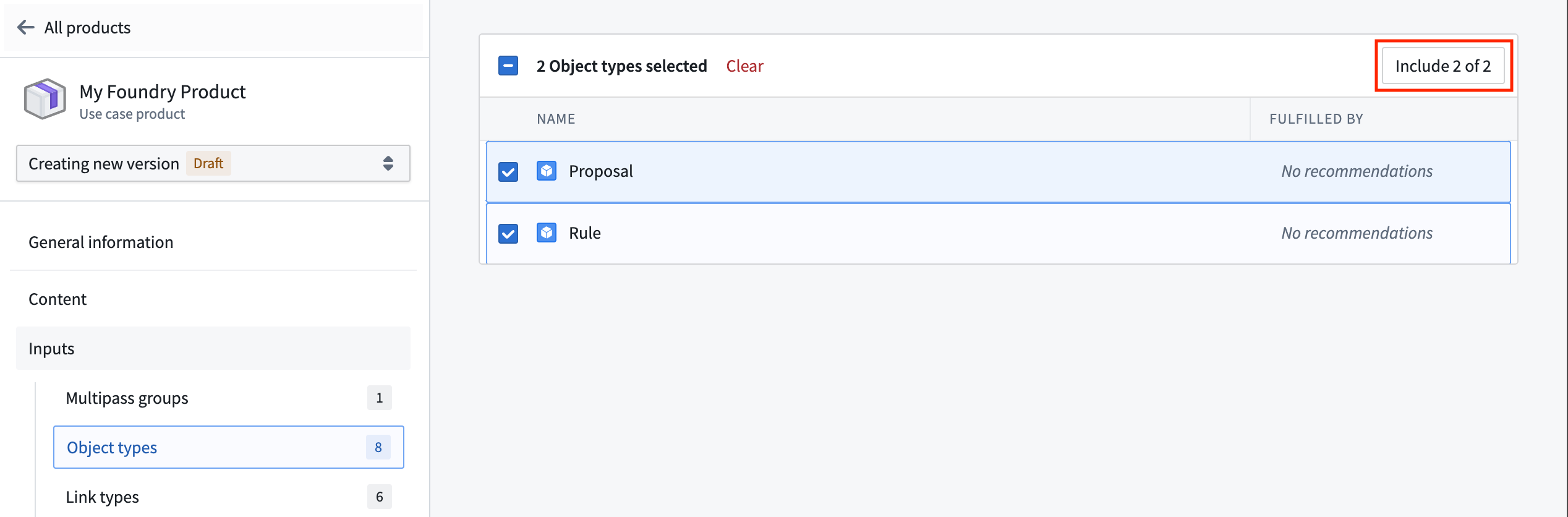
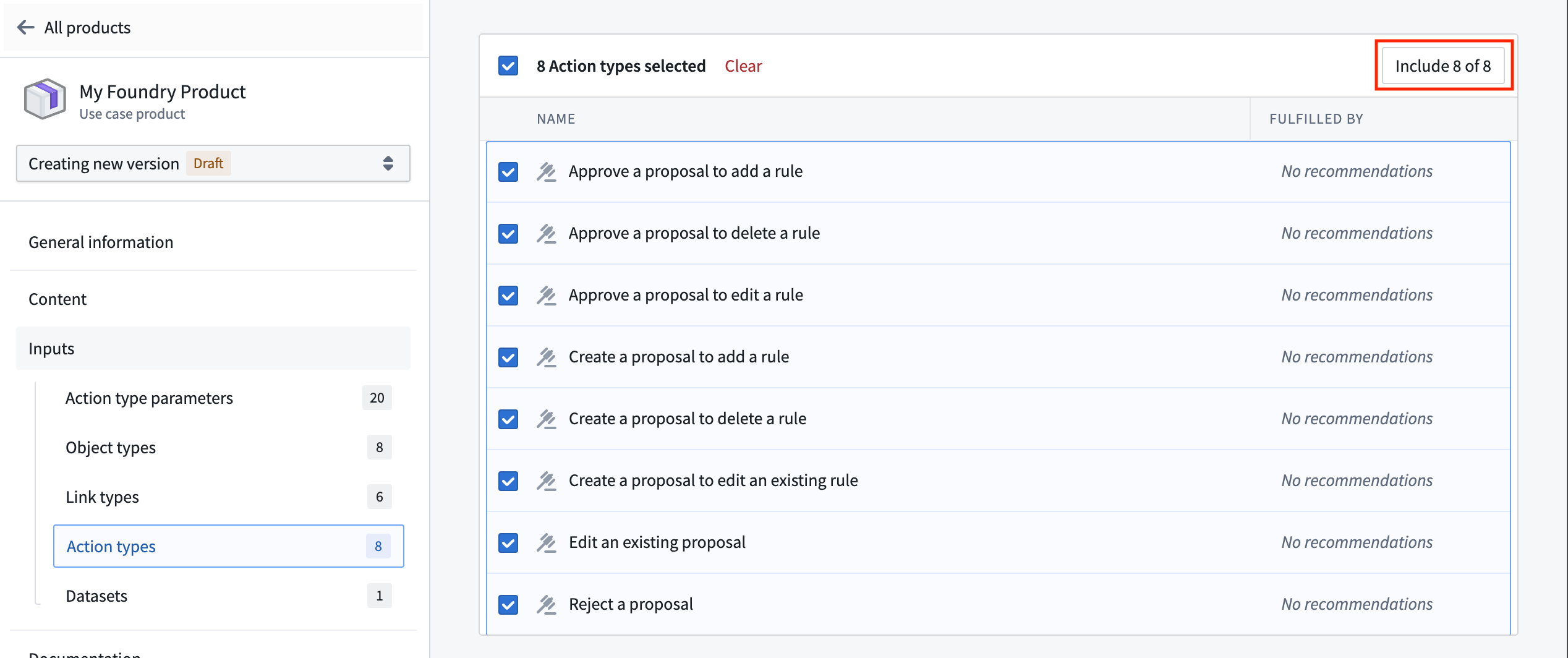
Once your workflow has been included, additional object type and action types will be included as inputs to your product. You will likely want to include both the Rule and Proposal object types, along with all of the generated action types to your product.
:::callout{theme="neutral"}
When setting your product's installation mode to Production, be sure to enable Only allow edits via actions for the Rule and Proposal object types in the Datasources tab of the Ontology Manager application. Without this step, users will encounter an Actions:PermissionDenied error when attempting to create a proposal.
:::
中文翻译
将 Foundry Rules 添加到 Marketplace 产品中
使用 Foundry DevOps 将您的 Foundry Rules 工作流纳入 Marketplace 产品 中,使其他用户能够安装并复用这些规则。了解如何创建您的第一个产品。
支持的功能
所有 Foundry Rules 功能均受支持。
将 Foundry Rules 工作流添加到产品中
要将 Foundry Rules 工作流添加到产品中,首先创建一个产品,然后选择 Workshop Application 内容类型,接着选择您的 Foundry Rules 创作应用,操作如下所示。
添加 Workshop 应用后,请前往产品输入项中的 Foundry rules workflows 部分,并包含您的工作流。
一旦包含工作流,额外的对象类型和操作类型将作为输入项添加到您的产品中。您很可能需要将 Rule 和 Proposal 对象类型以及所有生成的操作类型都纳入产品中。
:::callout{theme="neutral"}
在将产品的安装模式设置为 Production 时,请确保在 Ontology Manager 应用的 Datasources 选项卡中,为 Rule 和 Proposal 对象类型启用 Only allow edits via actions 选项。若未执行此步骤,用户在尝试创建 proposal 时会遇到 Actions:PermissionDenied 错误。
:::