Email allowlisting(电子邮件允许列表)
Email allowlisting allows organization administrators and information security officers to control the destinations where emails can be sent by curating a list of rules thereby ensuring that emails do not reach unexpected or unauthorized email inboxes.
Configure your email allowlist
This feature can be found under the Email settings > Email allowlist tab of Control Panel.
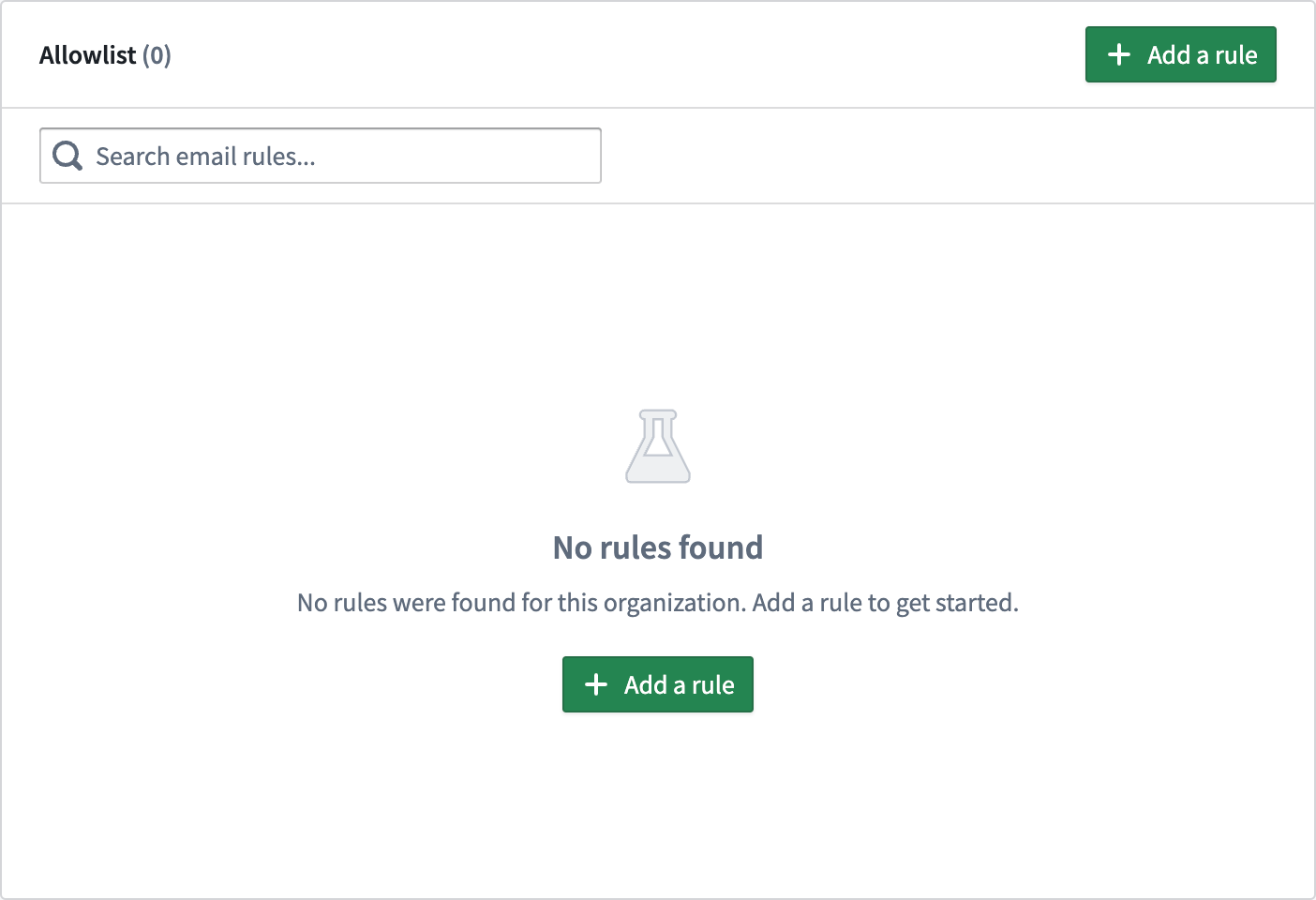
Allowlisting rules can take the following forms:
- An explicit email address (for example:
support@palantir.com) - A domain name (for example:
palantir.com) - A wildcard domain (for example:
*.palantir.com)
We recommend setting rules as restrictive and specific as possible, as it is better to err on the side of safety than to be overly permissive.
For an email with multiple recipients, an email will be sent to each recipient if that recipient matches at least one rule. For example, if you are sending a notification to a group, each group member's email address will be separately tested against your organization's email allowlist. Email addresses that fail this check will not receive the notification.
Denied rules
When your email rule allows a high-risk target, you may see an error message informing you that the specific rule creation was denied by Palantir. In this case, you may request explicit approval from your administrator, or, file an issue within the platform for Palantir Support.
中文翻译
电子邮件允许列表
电子邮件允许列表(Email allowlisting) 允许组织管理员和信息安全官通过制定一系列规则来控制电子邮件的发送目的地,从而确保邮件不会发送到意外或未经授权的邮箱。
配置电子邮件允许列表
此功能可在控制面板的 电子邮件设置 > 电子邮件允许列表 标签页下找到。
允许列表规则可以采用以下形式:
- 明确的电子邮件地址(例如:
support@palantir.com) - 域名(例如:
palantir.com) - 通配符域名(例如:
*.palantir.com)
我们建议尽可能设置严格且具体的规则,因为宁可保守一些,也不要过于宽松。
对于包含多个收件人的电子邮件,如果某个收件人至少匹配一条规则,则会向该收件人发送邮件。 例如,如果您要向某个群组发送通知,每个群组成员的电子邮件地址将分别与您组织的电子邮件允许列表进行比对。未通过此检查的电子邮件地址将不会收到通知。
被拒绝的规则
当您的电子邮件规则允许高风险目标时,您可能会看到一条错误消息,提示该特定规则的创建已被 Palantir 拒绝。在这种情况下,您可以请求管理员明确批准,或者在平台内提交问题以联系 Palantir 支持团队。