Format cells(格式化单元格)
The most commonly used formatting options (styling, numeric/currency formats, freezing panes, etc.) are available in the formatting bar above the spreadsheet.
Conditional formatting can be especially useful when coupled with dynamic data from lookup functions to offer changing views.
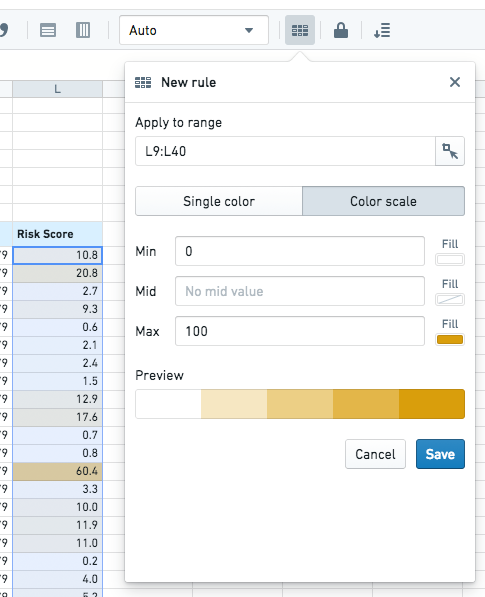
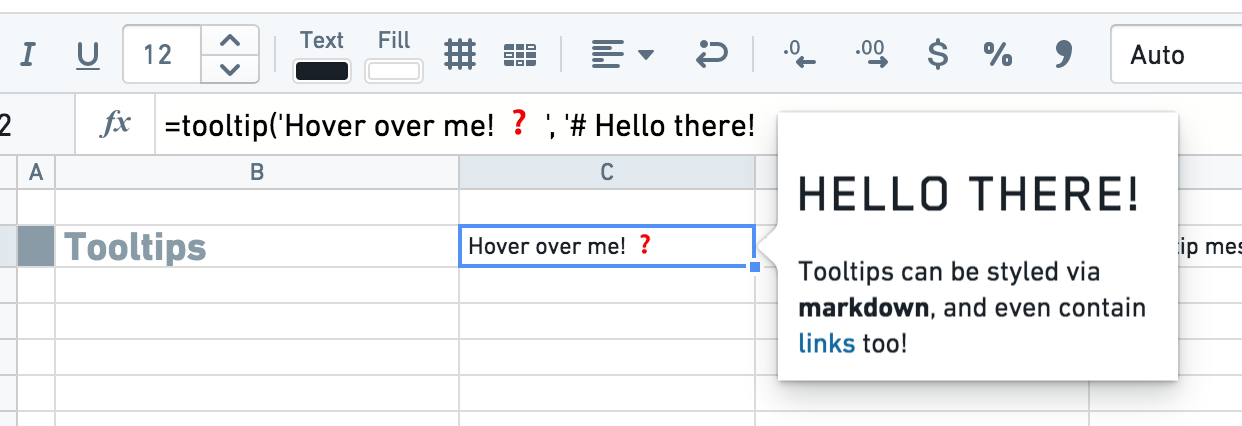
You can also use the color function to add styling to a cell based on custom logic. Similarly, the tooltip function can be used to have a tooltip show custom content when the user hovers on a cell.
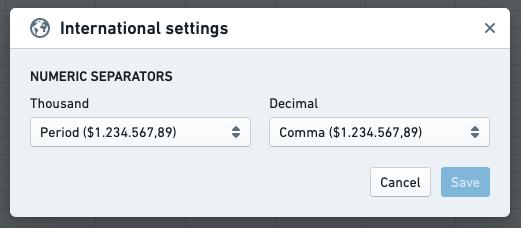
The decimal and thousands separators can be changed by clicking the Numeric settings button under the Document tab.
中文翻译
格式化单元格
最常用的格式化选项(样式、数字/货币格式、冻结窗格等)可在电子表格上方的格式栏中找到。
当与 lookup 函数中的动态数据结合使用时,条件格式化(conditional formatting)尤其有用,可提供动态变化的视图。
您还可以使用 color 函数根据自定义逻辑为单元格添加样式。同样,tooltip 函数可用于在用户悬停单元格时显示自定义内容的工具提示(tooltip)。
小数点和千位分隔符可通过单击文档选项卡下的数字设置按钮进行更改。