Presentation view(演示视图(Presentation view))
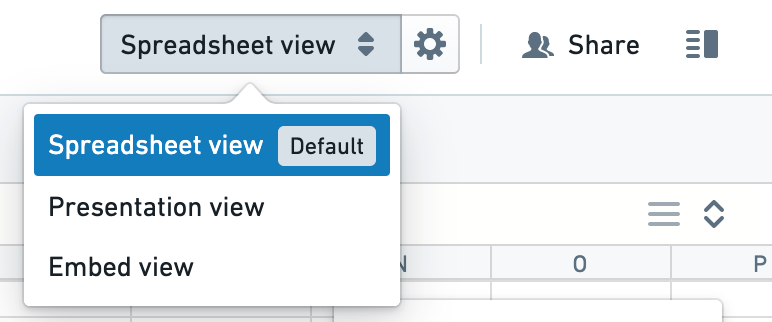
You can preview your document in presentation view using the dropdown in the toolbar, and make it the default viewing experience using the settings button.
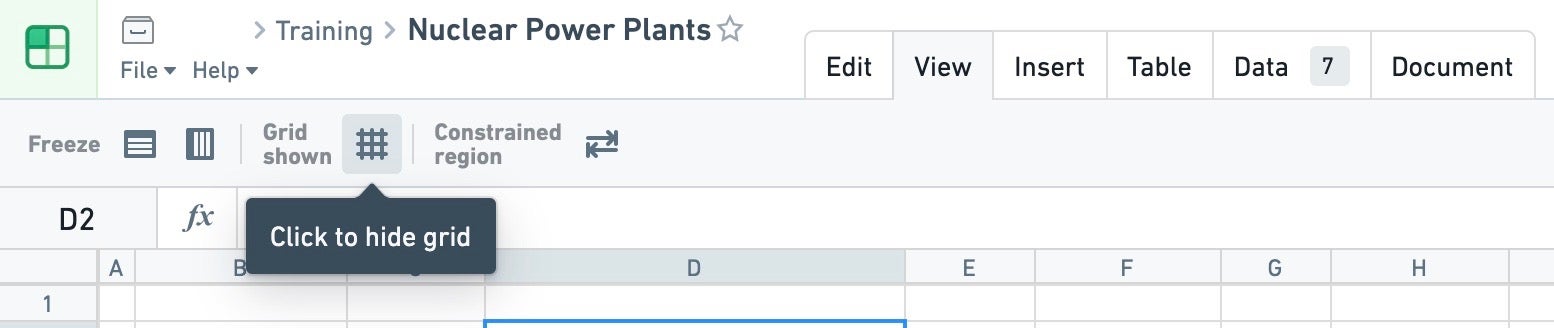
A nice addition to presentation view is the option to hide the default grid via the button in the toolbar.
The combination of presentation view and hiding the grid can create a very focused consumption experience for the Fusion documents you’d like to share with large audiences.
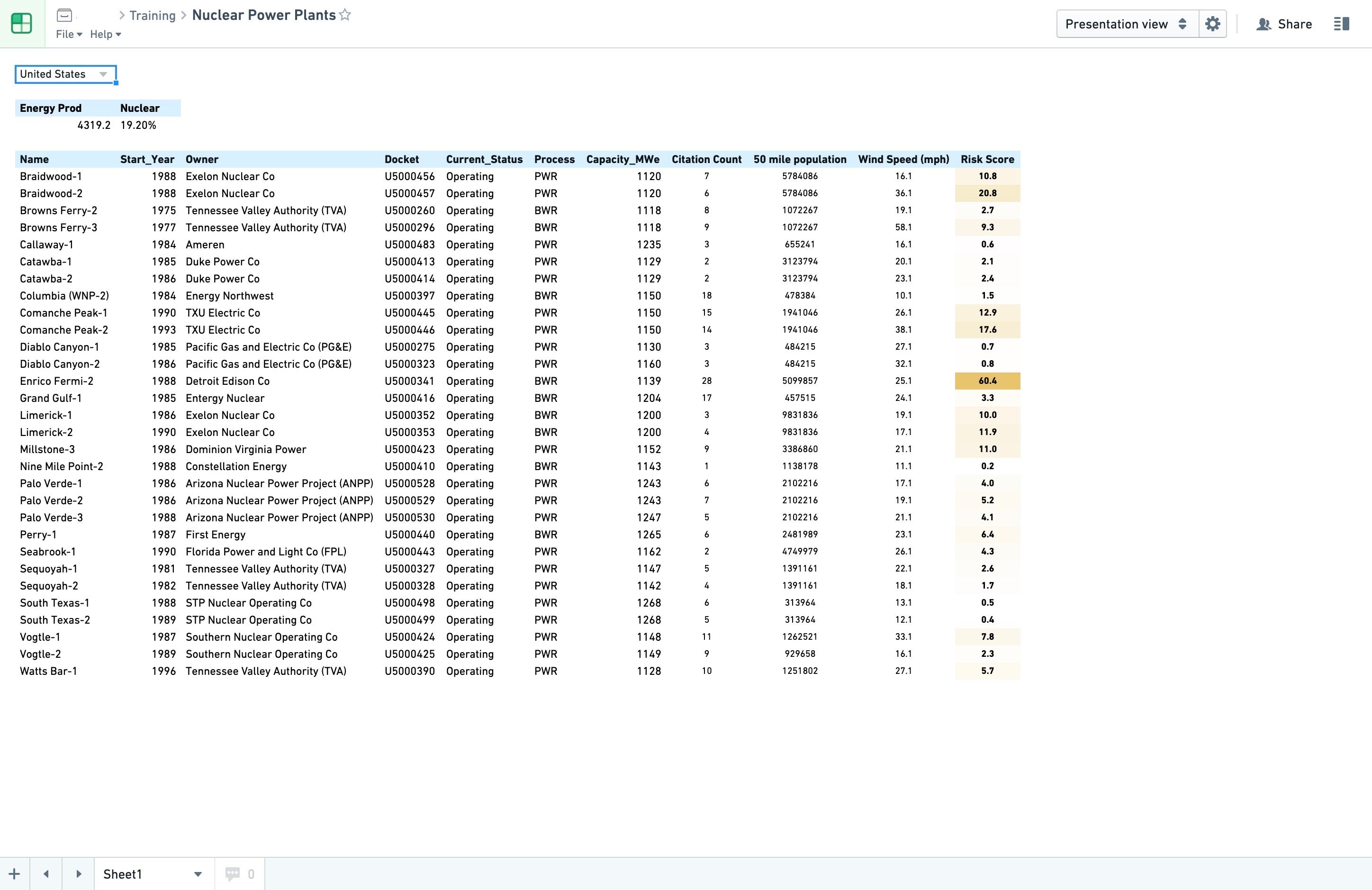
Screenshots use open-source data from the US Nuclear Regulatory Commission ↗.
中文翻译
演示视图(Presentation view)
您可以通过工具栏中的下拉菜单在演示视图中预览文档,并使用设置按钮将其设为默认查看体验。
演示视图的一个实用增强功能是,可通过工具栏中的按钮隐藏默认网格(grid)。
将演示视图与隐藏网格功能结合使用,可为面向广大受众分享的 Fusion 文档打造高度聚焦的消费体验。
截图使用来自 美国核管理委员会 ↗ 的开源数据。