Configure SAML 2.0 integration for other identity providers(为其他身份提供商配置 SAML 2.0 集成)
This section contains general steps for configuring the SAML 2.0 integration as part of the broader end-to-end authentication via SAML 2.0 tutorial.
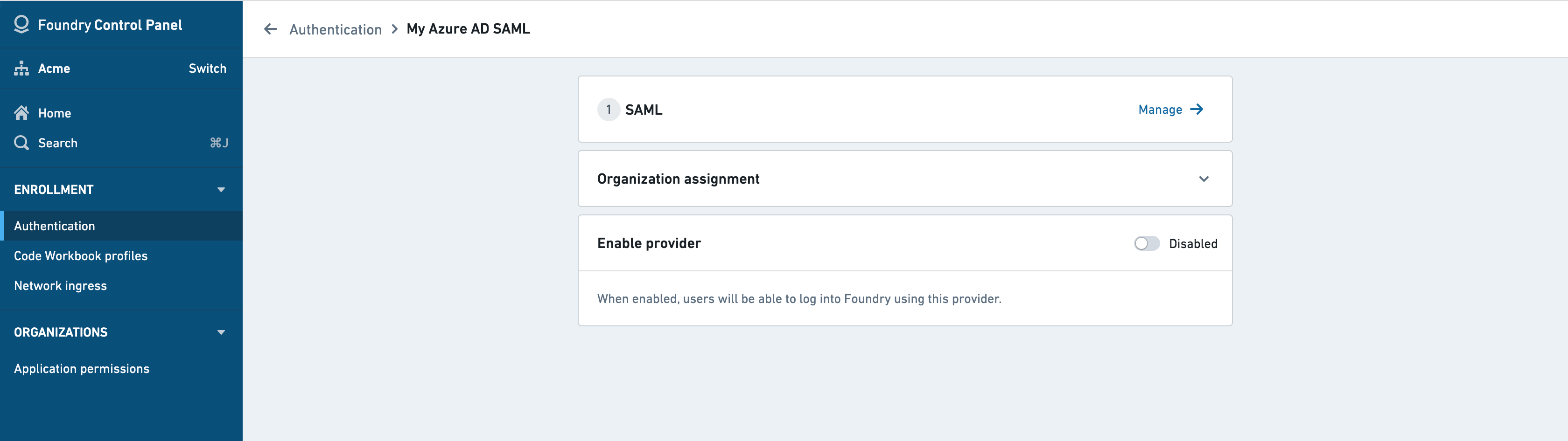
If you received a Foundry setup link to configure your initial SAML integration, skip to the next step. Otherwise, you can add a new SAML provider by going to the Authentication tab in Control Panel and selecting Manage in the SAML section.
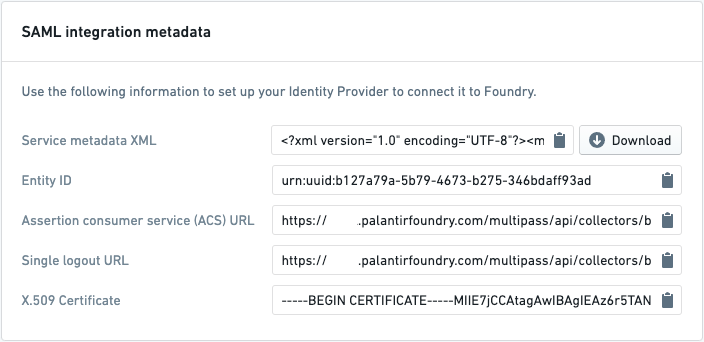
The first block in this page contains Foundry’s metadata in different forms: an XML metadata file, individual entity ID, ACS URL, and so on. Go to your identity provider and use this metadata to create a SAML integration. The specific steps to achieve this will differ depending on your identity provider.
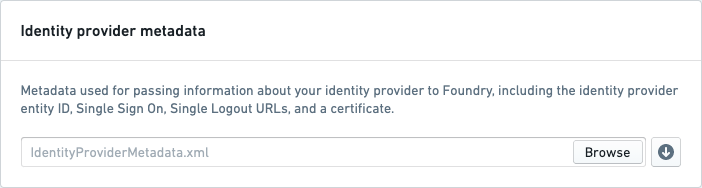
Retrieve your identity provider’s metadata in an XML file, then upload the XML file to Foundry in the Identity provider metadata block.
Add email domains associated with this SAML 2.0 integration under Email domains.
Then, fill in the Attribute mapping block. This block determines which attributes from your identity provider will be used for the user attributes in Foundry: Username, Email, First Name, and so on. You can also configure Foundry to create groups based on identity provider attributes. You may need to additionally configure your provider to include group attributes in the SAML response. You can find this information from your identity provider.
If you’re unsure, insert dummy as a temporary value to later correct when you reach the testing stage.
Finish by saving your SAML 2.0 integration and move on to multi-factor authentication.
中文翻译
为其他身份提供商配置 SAML 2.0 集成
本节包含在更广泛的通过 SAML 2.0 教程实现端到端身份验证中配置 SAML 2.0 集成的一般步骤。
如果您已收到 Foundry 设置链接用于配置初始 SAML 集成,请跳至下一步。否则,您可以通过进入控制面板的 身份验证 选项卡,并在 SAML 部分选择 管理 来添加新的 SAML 提供商。
此页面中的第一个区块包含 Foundry 的元数据,形式多样:XML 元数据文件、单个实体 ID、ACS URL 等。请前往您的身份提供商,使用这些元数据创建 SAML 集成。具体步骤因您的身份提供商而异。
以 XML 文件形式检索您的身份提供商的元数据,然后将该 XML 文件上传到 Foundry 的 身份提供商元数据 区块中。
在 电子邮件域名 下添加与此 SAML 2.0 集成关联的电子邮件域名。
然后,填写 属性映射 区块。此区块决定身份提供商中的哪些属性将用于 Foundry 中的用户属性:用户名、电子邮件、名字 等。您还可以配置 Foundry 根据身份提供商属性创建组。您可能需要额外配置您的提供商,使其在 SAML 响应中包含组属性。您可以从您的身份提供商处找到这些信息。
如果不确定,可先插入 dummy 作为临时值,待进入测试阶段后再进行修正。
最后,保存您的 SAML 2.0 集成,然后继续配置多因素身份验证。