Explore artifacts and ontology entities(探索构件与本体实体)
You can find Foundry artifacts and ontology entities related to your datasets in Data Lineage. The Data Lineage interface allows you to navigate directly to these resources and see how they fit in your ontology.
Find related artifacts
In your data lineage graph, select a dataset. Then, select Related items in the right sidebar to expand the Related artifacts panel. The Related items icon will show a badge with the number of artifacts related to the selected dataset. In the artifacts panel, you can see a list of related resources throughout Foundry, including Contour visualizations and Slate applications.
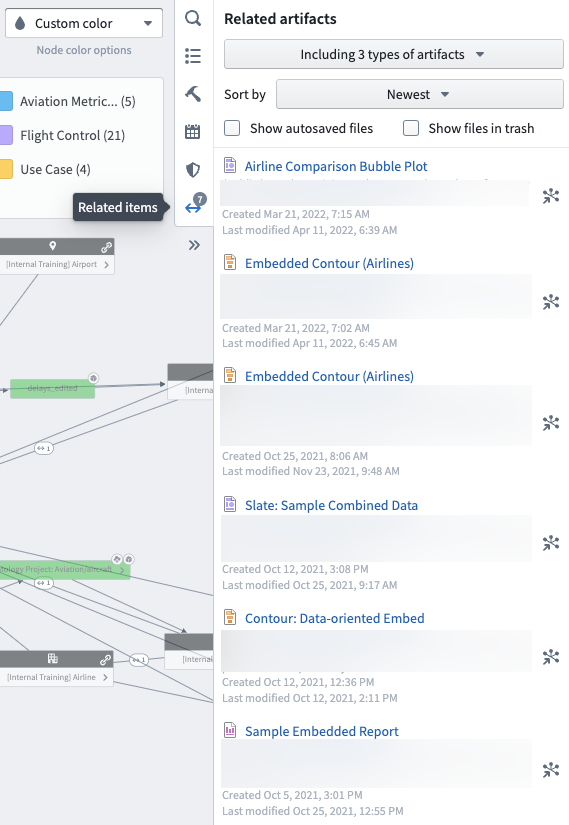
Click on the node icon next to a resource to zoom in on the related dataset, or click the resource to open it in the corresponding application in a new tab. You can filter the list of related artifacts to include different item types and sort the list by oldest, newest, name, path, or last modified.
Find ontology entities
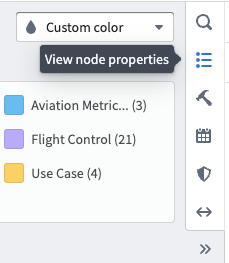
Find object types defined by datasets in your lineage graph by selecting the dataset and opening the View node properties panel in the right sidebar.
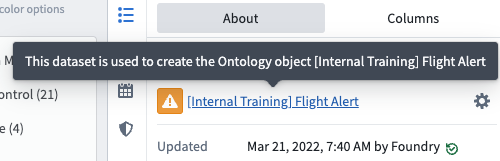
In the About tab, you will see any object types that were created with the selected dataset. Click the Settings icon next to the object type to view its configuration in a new Ontology manager tab.
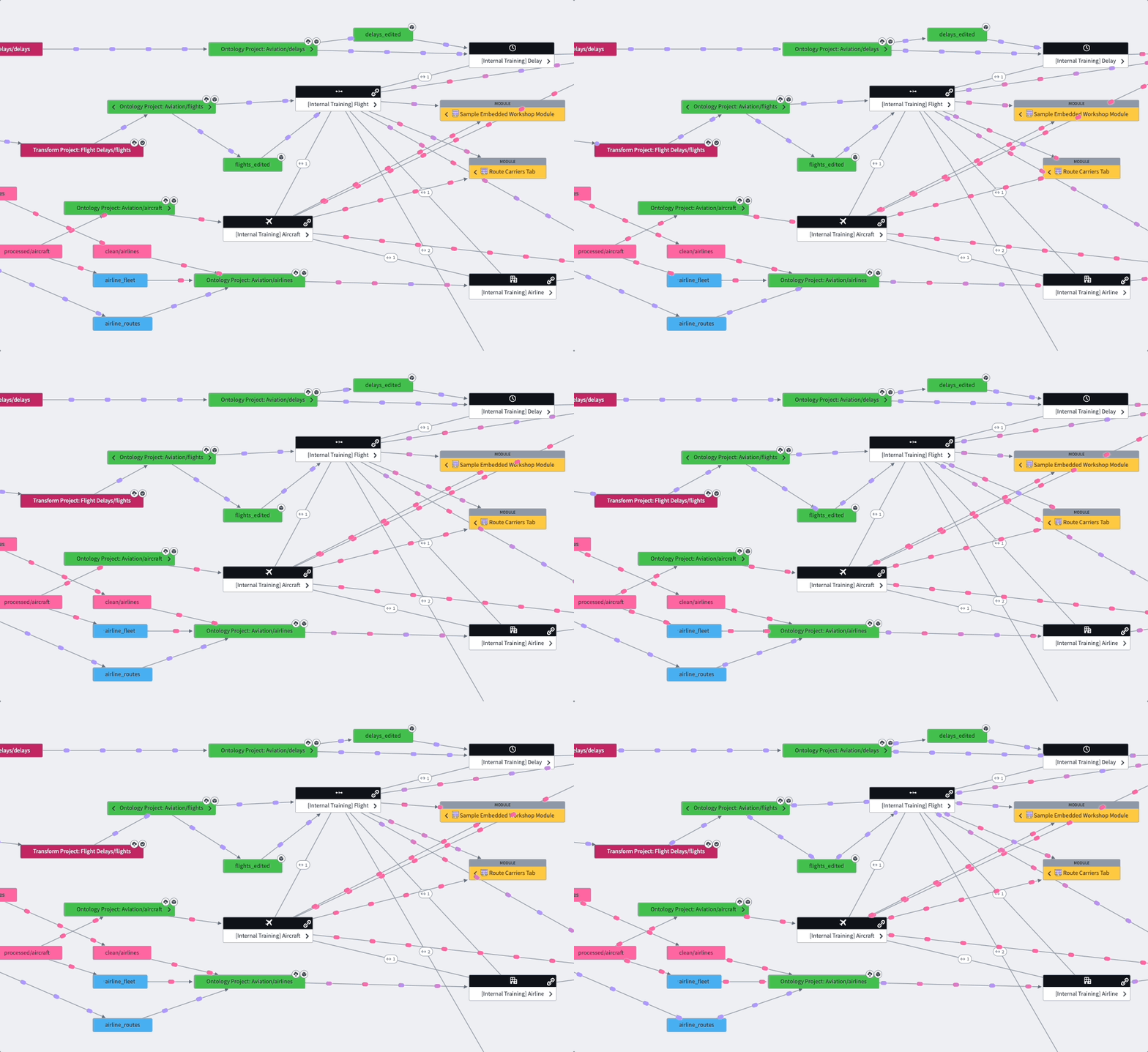
You can also add object types to your data lineage with the Search Foundry tool in the right sidebar. Use a basic or advanced search to find an object type and select it from the list to add it to your graph. You can then view link types related to the object type and use the graph to visualize connections between your datasets and the newly added object type.
Learn more about creating an Ontology.
中文翻译
探索构件与本体实体
您可以在数据沿袭(Data Lineage)中找到与数据集相关的 Foundry 构件(artifacts)和本体实体(ontology entities)。数据沿袭界面允许您直接导航至这些资源,并查看它们在本体中的定位。
查找相关构件
在数据沿袭图谱中,选择一个数据集。然后,在右侧边栏中点击相关项,展开相关构件面板。相关项图标会显示一个数字角标,表示与所选数据集相关的构件数量。在构件面板中,您可以查看 Foundry 中相关资源的列表,包括 Contour 可视化和 Slate 应用。
点击资源旁的节点图标可放大查看相关数据集,或点击资源在新标签页中打开对应的应用程序。您可以筛选相关构件列表以包含不同类型的项目,并按最早、最新、名称、路径或最后修改时间进行排序。
查找本体实体
通过选择数据集并打开右侧边栏中的查看节点属性面板,可以查找由数据沿袭图谱中数据集定义的对象类型(object types)。
在关于选项卡中,您将看到使用所选数据集创建的所有对象类型。点击对象类型旁的设置图标,可在新的本体管理器(Ontology manager)标签页中查看其配置。
您还可以使用右侧边栏中的搜索 Foundry工具将对象类型添加到数据沿袭中。使用基本搜索或高级搜索查找对象类型,并从列表中选择以将其添加到图谱中。随后,您可以查看与对象类型相关的链接类型(link types),并利用图谱可视化数据集与新添加对象类型之间的连接。