Project usage(项目使用情况)
Project usage can be analyzed in the Project usage page.
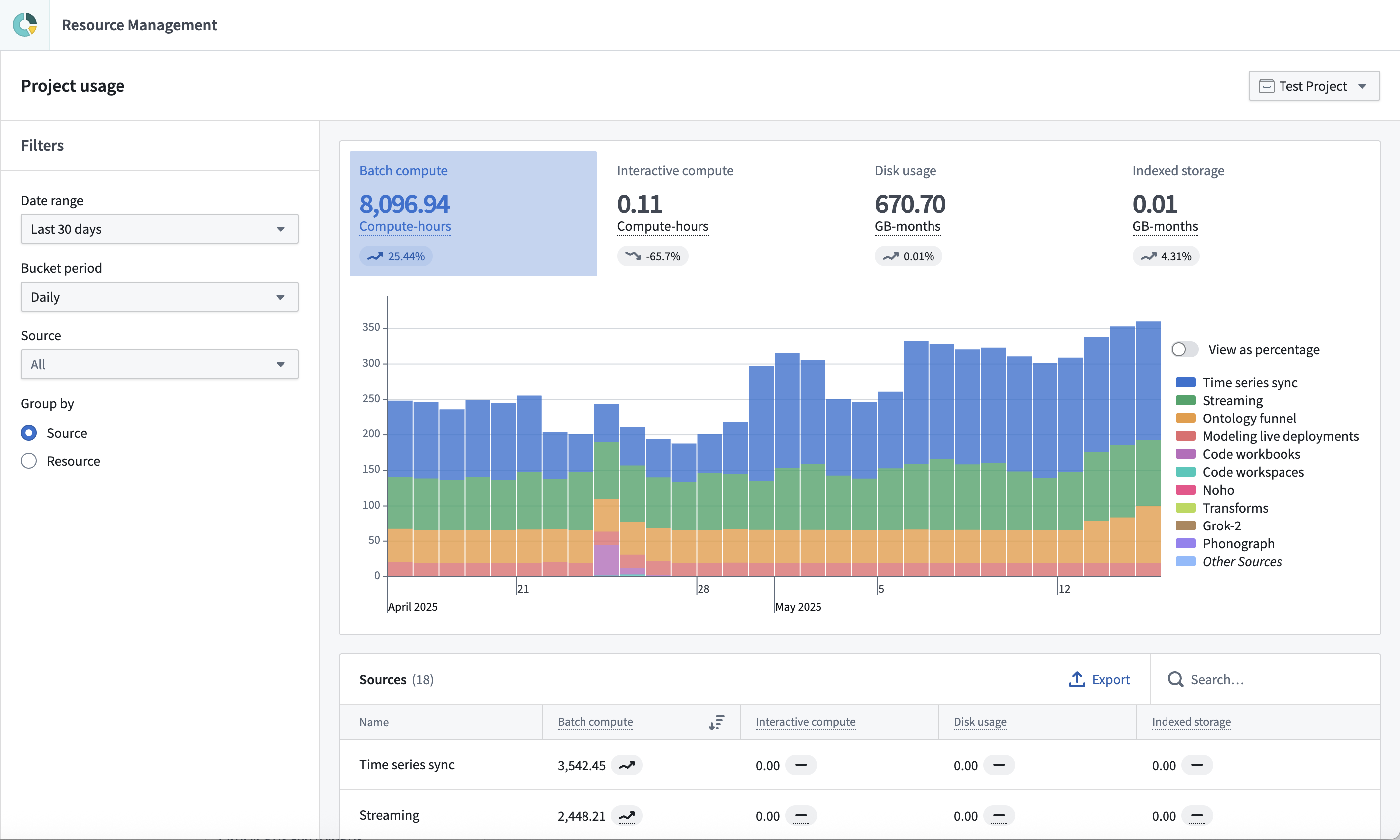
This page is similar to the Analysis tab in the full Resource Management view. The main differences include:
- Usage is displayed for a single project at a time.
- Users with the
Ownerrole on a project have access to the project usage page by default. - Cost and billing insights are not provided.
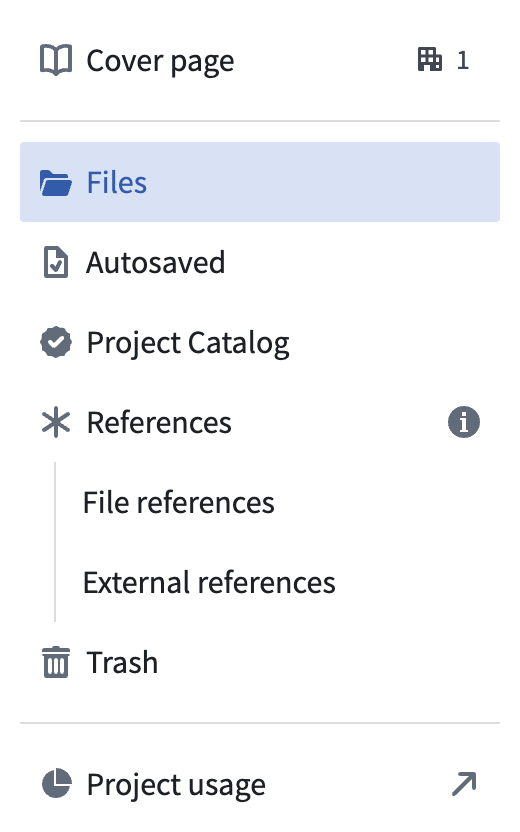
Navigate to the project usage page by following the link at the bottom of the project navigation panel.
中文翻译
项目使用情况
项目使用情况可在项目使用情况页面中进行分析。
该页面与完整资源管理视图中的分析选项卡类似。主要区别包括:
- 每次仅显示单个项目的使用情况。
- 在项目中拥有
Owner(所有者)角色的用户默认拥有项目使用情况页面的访问权限。 - 不提供成本和账单洞察信息。
通过点击项目导航面板底部的链接,即可导航至项目使用情况页面。