Python libraries(Python 库)
The Palantir extension for Visual Studio Code contains a library panel that allows you to manage the Python libraries inside your Project. You can search for libraries and install different versions.
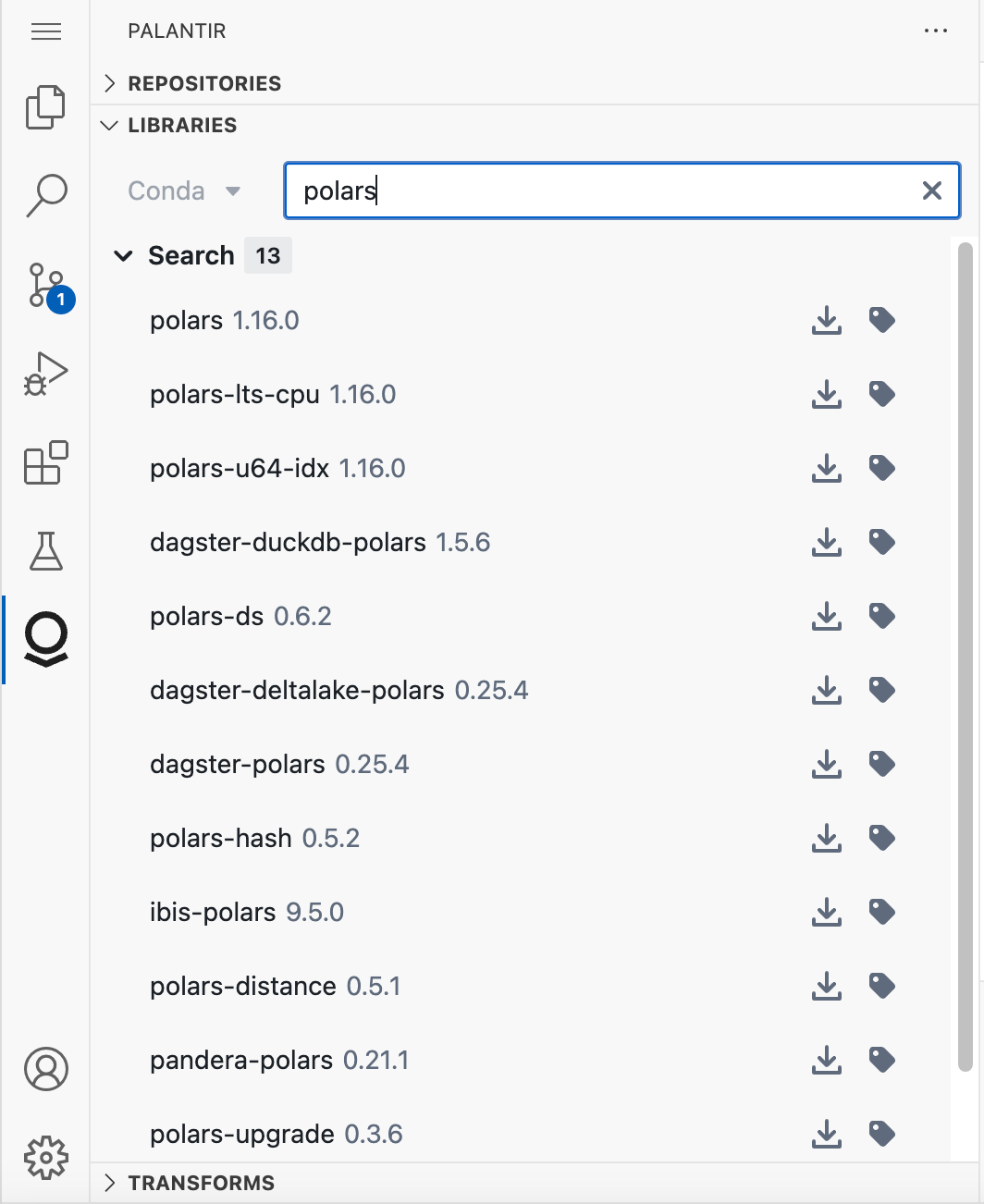
When you install a library, the extension automatically adds the dependency to the meta.yaml file and updates the Python environment.
Project imports
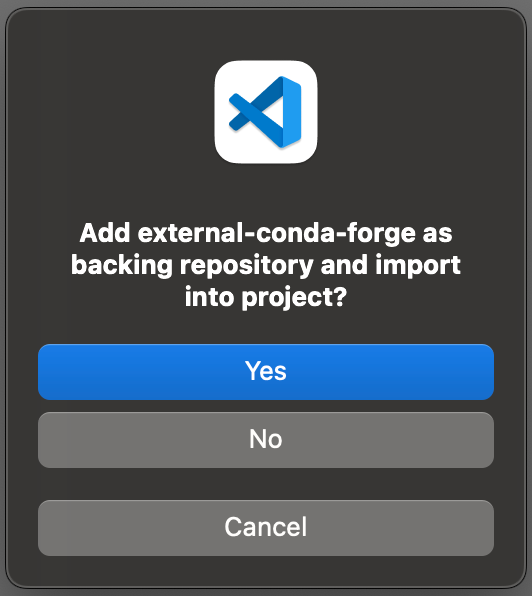
When you try to install a library from a backing repository that is not imported into your project, you will be prompted to add that backing repository and you must choose Yes to continue.
中文翻译
Python 库
Visual Studio Code 的 Palantir 扩展包含一个库面板,允许您管理项目中的 Python 库。您可以搜索库并安装不同版本。
当您安装一个库时,扩展会自动将依赖项添加到 meta.yaml 文件中,并更新 Python 环境。
项目导入
当您尝试从尚未导入到项目中的后端仓库安装库时,系统会提示您添加该后端仓库,您必须选择是才能继续。